How to Check If a Smart Device Is Compatible with Alexa
Before you buy: the reliable ways to verify Alexa compatibility and what to expect
Not sure if a device works with Alexa? This guide shows you how to check Alexa compatibility reliably before buying and what different levels of integration actually mean.
Amazon Alexa works with thousands of smart home devices, but "works with Alexa" can mean different things depending on the device and how it connects. Here is how to check if a device is truly compatible with Alexa and what level of integration to expect.
The Three Ways Devices Connect to Alexa
1. Direct Wi-Fi with official Alexa skill: The device connects to Wi-Fi and the manufacturer provides an Alexa skill. You enable the skill in the Alexa app and link your account. This is the most common connection method. Examples: Govee, Kasa, LIFX, most Wi-Fi smart home devices.
2. Built-in Alexa (Alexa Built-In): The device itself runs Alexa. Less common; mostly smart speakers and displays from Amazon.
3. Matter: The device supports Matter and connects via a Matter controller (like a 4th Gen Echo). No skill needed. Works locally without the manufacturer cloud.
How to Check Compatibility Before Buying
Official Method: Amazon Amazon Works with Alexa
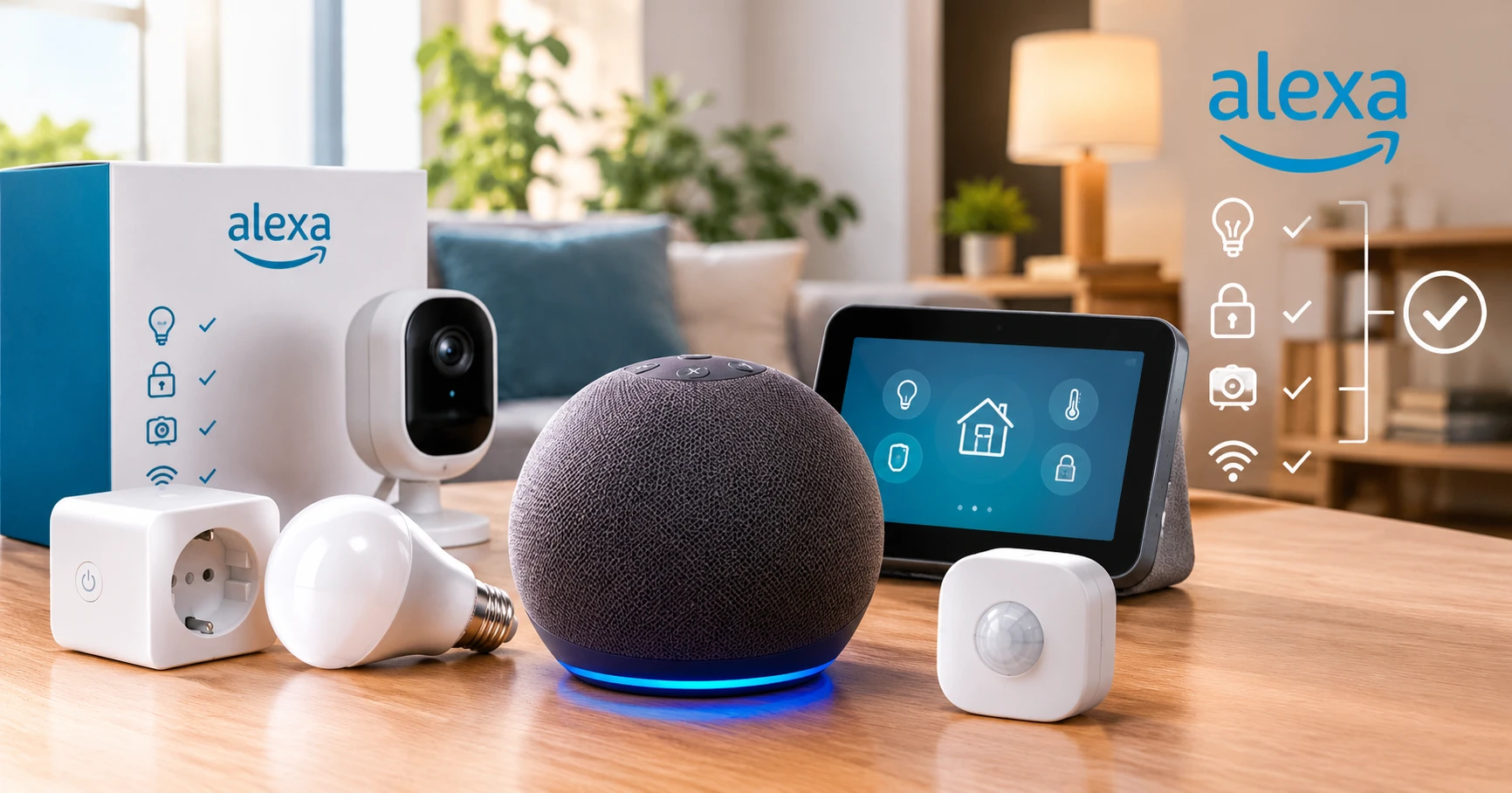
Amazon maintains an official "Works with Alexa" program. Products that carry this certification have been tested and certified. Look for the "Works with Alexa" badge on Amazon product listings. This is the most reliable indicator.
Check the Alexa App
In the Alexa app, go to More - Skills and Games and search for the device brand. If an official skill exists, it shows up here. A skill in the store does not guarantee quality - read the skill reviews and check the last update date.
Check the Product Listing
On Amazon or the manufacturer website, look for explicit "Works with Alexa" or "Alexa compatible" language in the product description or specifications. "Voice control" alone is not sufficient - it may mean only Siri or a brand-specific voice assistant.
Check the Manufacturer Website
Most brands list compatible ecosystems on their product pages. Look for an ecosystem compatibility section or a "Works with" section that specifically names Alexa.
What "Works with Alexa" Actually Means in Practice
Basic compatibility typically includes: turning the device on and off, adjusting brightness or temperature, checking device status, and including the device in groups and Alexa Routines.
More advanced integration (scene support, detailed status, granular control) varies by device and manufacturer. A bulb that "works with Alexa" may let you turn it on but not access all its color modes through Alexa directly.
Common Compatibility Issues
Skill not finding my device: After enabling the skill and linking your account, run device discovery in the Alexa app (Devices - the + icon - Add Device - Other - Discover Devices). Some devices need manual discovery.
Device disappears after re-linking: Some skills disconnect when you change your password on the manufacturer app. Re-link the skill in the Alexa app.
Voice commands not working for specific features: Not all device features are exposed to Alexa. Check the manufacturer documentation for what can be controlled via Alexa specifically versus what is app-only.
Checking Alexa Compatibility for Specific Categories
- Smart Locks: Alexa can lock smart locks by voice but cannot unlock them by default for security reasons. You can enable voice unlocking with a PIN in the Alexa app.
- Smart Cameras: Alexa can show camera feeds on Echo Show devices if the camera is compatible. Look for "Live View on Echo Show" in the product description.
- Thermostats: Alexa supports thermostat control (temperature setting, mode changing) for compatible devices.
FAQ
Do I need an Echo device for Alexa smart home control? No. The Alexa app on your phone supports smart home control. An Echo device makes voice control more convenient.
Why does my device show as unresponsive in Alexa? Common causes: the device is offline, the skill needs re-linking, or the manufacturer cloud is experiencing issues. Check the device in its own app first to confirm it is online.
Does Alexa work with Matter devices without a skill? Yes. Matter devices connect to Alexa directly via Matter without enabling a skill or linking an account.