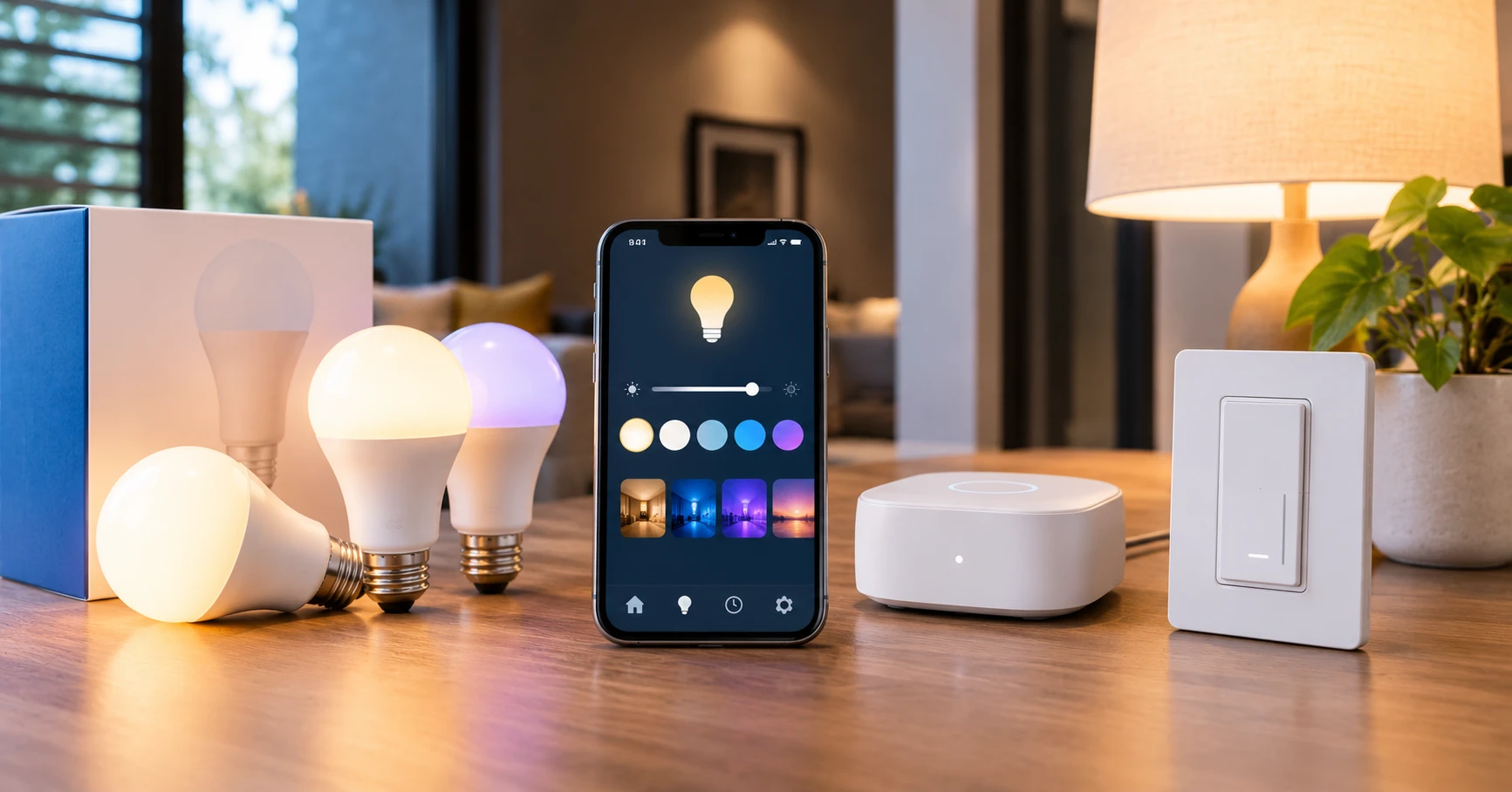
How to Set Up Smart Lighting: A Step-by-Step Guide
From first bulb to full automation - everything you need to get started
Learn how to set up smart lighting at home. This guide covers installation, app setup, voice assistant connection, scenes, and automations.
Setting up smart lighting does not require technical expertise. This guide walks you through the process step by step.
What You Need
- Smart bulbs, switches, or plugs
- A smartphone with the manufacturer app
- A 2.4 GHz Wi-Fi network
- Optionally: a voice assistant device
Step 1: Choose Your Approach
Smart bulbs replace the bulb and need the wall switch left on. Smart switches replace the wall switch and work with any regular bulb. Smart bulbs are easier for renters. Smart switches allow normal wall-switch operation.
Step 2: Install the Hardware
For smart bulbs: screw into the existing socket and leave the wall switch ON. For smart switches: turn off the breaker first. Most require a neutral wire - check wiring before purchasing. If unsure, consult an electrician.
Step 3: Set Up the App
Download the manufacturer app, create an account, and follow the pairing instructions. Name lights descriptively: "Living Room Lamp," "Bedroom Ceiling." These names are used for voice commands.
Step 4: Organize into Rooms
Group lights into rooms in the app. This lets you control all lights in a room with one command.
Step 5: Connect to Your Voice Assistant
In Alexa: Settings - Add Device - Lights - select your brand. In Google Home: tap + - Set up device - Works with Google. In Apple Home: scan the HomeKit code. Then run device discovery.
Step 6: Create Scenes
Create named scenes: bright "Morning," warm "Evening," dim "Movie." Activate with a single voice command.
Step 7: Set Up Automations
Useful automations: lights on at sunset, bedroom lights dim at 10 PM, lights off when you leave home. Set in your app or within Alexa Routines or Google Home Automations.
Common Issues
Bulb will not connect: Make sure you are on 2.4 GHz Wi-Fi, not 5 GHz. Voice commands not working: Re-discover devices and verify the skill is linked correctly. Slow response: Check Wi-Fi signal strength near the bulbs.
FAQ
Can I use smart bulbs with a dimmer switch? No. Smart bulbs are incompatible with dimmer switches. Replace dimmers with standard on/off switches.
Do smart lights work without internet? Philips Hue with the Bridge supports local control. Most Wi-Fi-only bulbs require internet.
Related Articles

More in this topic
- COMPARISON Philips Hue vs Govee: Which Smart Lighting Brand Is Right for You?
- Best Smart Bulbs for Alexa (2024): Top Picks That Work Reliably
- IDEAS 9 Smart Lighting Ideas That Actually Make a Difference at Home
- Smart Lighting for Apartments: The Complete Renter-Friendly Guide
- Best Smart Bulbs (2024-2025)
- Best Smart Light Switches (2024-2025)
- HOW TO Smart Lighting for Renters: No Wiring, No Drilling