Best Smart Light Switches (2024-2025)
Top smart switches for Alexa, Google Home, and Apple Home — with and without neutral wire
The best smart light switches for every home — Kasa, Lutron, Leviton, and GE for Alexa, Google Home, and Apple Home.
Smart light switches upgrade your entire light fixture — including overhead lights and ceiling fans that don't use regular bulbs. If you have recessed lighting, a chandelier, or want to control multiple bulbs from one device, a smart switch is often better than replacing individual bulbs.
Smart Switch vs Smart Bulb: Which Is Better?
Use smart bulbs if: You have lamps or fixtures with accessible bulbs, you want color-changing capability, or you don't want to deal with electrical work.
Use smart switches if: You have overhead lighting with multiple fixed bulbs, you want everyone in the household to use the existing wall switch naturally, or you want a more "built-in" feel.
The main challenge with smart switches: most require a neutral wire in the wall box. Older homes often lack neutral wires — confirm before buying. No-neutral smart switches are available but have limitations.
Best Smart Light Switches
Kasa Smart Dimmer Switch (EP31) — Best Overall
The Kasa EP31 is the best value smart dimmer switch: Wi-Fi, works with Alexa and Google Home, requires a neutral wire, and costs about $20. Easy setup via the Kasa app, no hub required, and reliable performance. Available in both dimmer and on/off versions.
Connection: Wi-Fi. Neutral wire: Required. Smart Home: Alexa, Google Home. Apple Home: Not supported. Subscription: Not required. Price: ~$20-$25.
Lutron Caseta — Most Reliable (No Neutral Wire Required)
Lutron Caseta is the most reliable smart switch system available and one of the few that does not require a neutral wire. It uses Lutron's proprietary Clear Connect radio protocol (more reliable than Wi-Fi in dense environments) and requires a Caseta Smart Bridge (~$80). Extremely stable, widely compatible, and recommended by electricians who work with smart home systems.
Connection: Lutron Clear Connect (requires Caseta Smart Bridge, ~$80). Neutral wire: Not required. Smart Home: Alexa, Google Home, Apple Home. Subscription: Not required (bridge is one-time cost). Price: ~$60-$70 per switch + ~$80 bridge.
Best for: Homes without neutral wires, or anyone who wants the most reliable smart switch system available.
Leviton Decora Smart (Wi-Fi) — Best for Apple Home
Leviton Decora Smart switches connect directly to Wi-Fi and support Apple Home natively — one of the few Wi-Fi switch brands with genuine HomeKit support. Available in dimmer and on/off versions. Requires neutral wire.
Connection: Wi-Fi. Neutral wire: Required. Smart Home: Alexa, Google Home, Apple Home. Subscription: Not required. Price: ~$45-$55 per switch.
GE Cync Smart Switch — Best Budget with Apple Home
The GE Cync (formerly C by GE) switches are one of the most affordable options with Apple Home support. Matter-enabled firmware update brings them into broad ecosystem compatibility. Neutral wire required.
Connection: Wi-Fi + Bluetooth. Neutral wire: Required. Smart Home: Alexa, Google Home, Apple Home (via Matter). Subscription: Not required. Price: ~$25-$35.
Three-Way and Multi-Location Switches
If you have two switches controlling the same light (common in hallways, staircases, and large rooms), you need a smart switch compatible with 3-way setups. Kasa, Lutron Caseta, and Leviton all offer 3-way compatible versions. Lutron Caseta is the most reliable for 3-way and multi-location setups.
Installation: What to Expect
Installing a smart switch is a straightforward electrical job: turn off the breaker, remove the existing switch, connect the wires to the new switch, and restore power. If you are not comfortable with electrical work, hire an electrician — it takes about 15-30 minutes per switch for a professional.
Before buying: Take a photo inside your wall box to confirm wire colors and count. If you see only black and white wires (and no separate bare ground), you may not have a neutral wire.
FAQ
Can I use a smart switch with smart bulbs?
Not recommended. Using a smart switch to control a fixture with smart bulbs creates a conflict — if the switch cuts power to the bulb, the bulb loses its Wi-Fi connection. Use one or the other: smart switch for the fixture, or smart bulbs in lamps controlled by smart plugs.
Do smart switches require a smartphone to work?
No — smart switches work as normal physical switches even without app access. You can turn lights on and off manually at any time. The smart features (voice, app, schedules) work on top of the physical switch.
Related Articles
More in this topic
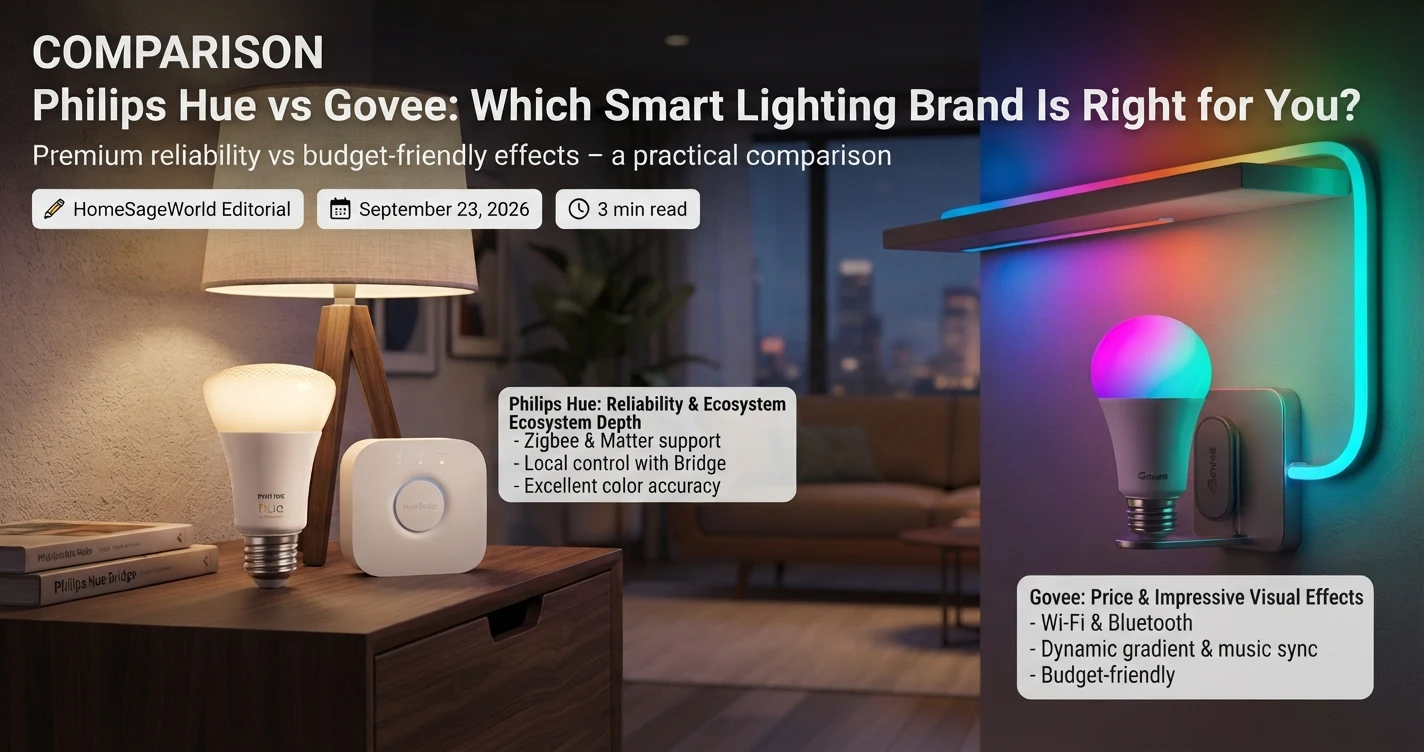
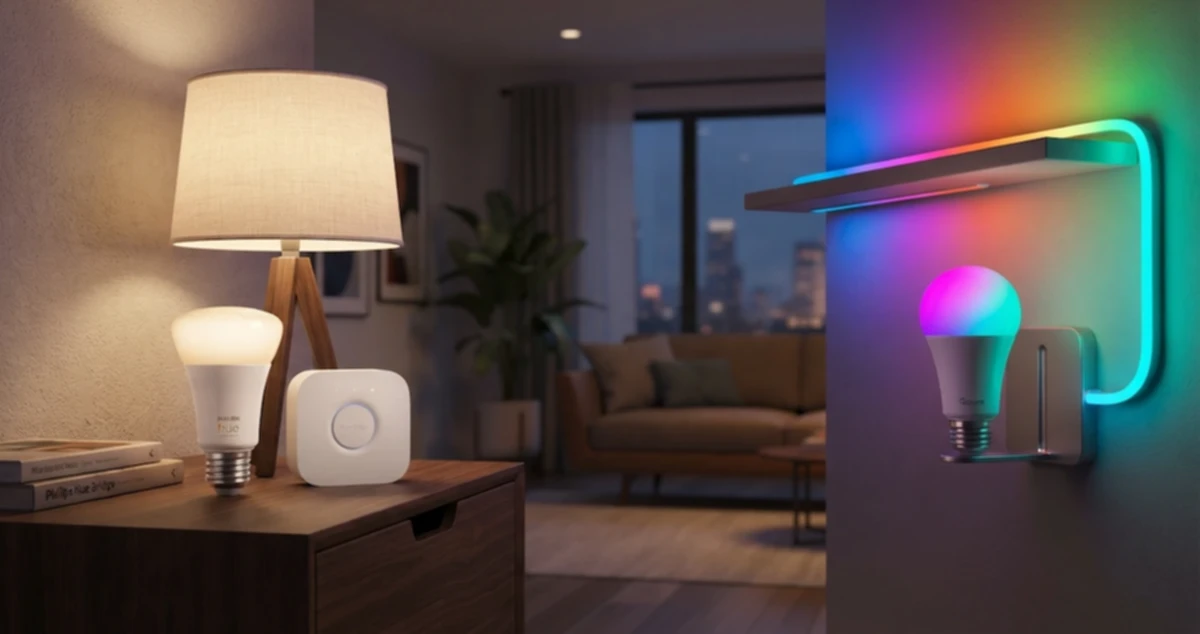
- COMPARISON Philips Hue vs Govee: Which Smart Lighting Brand Is Right for You?
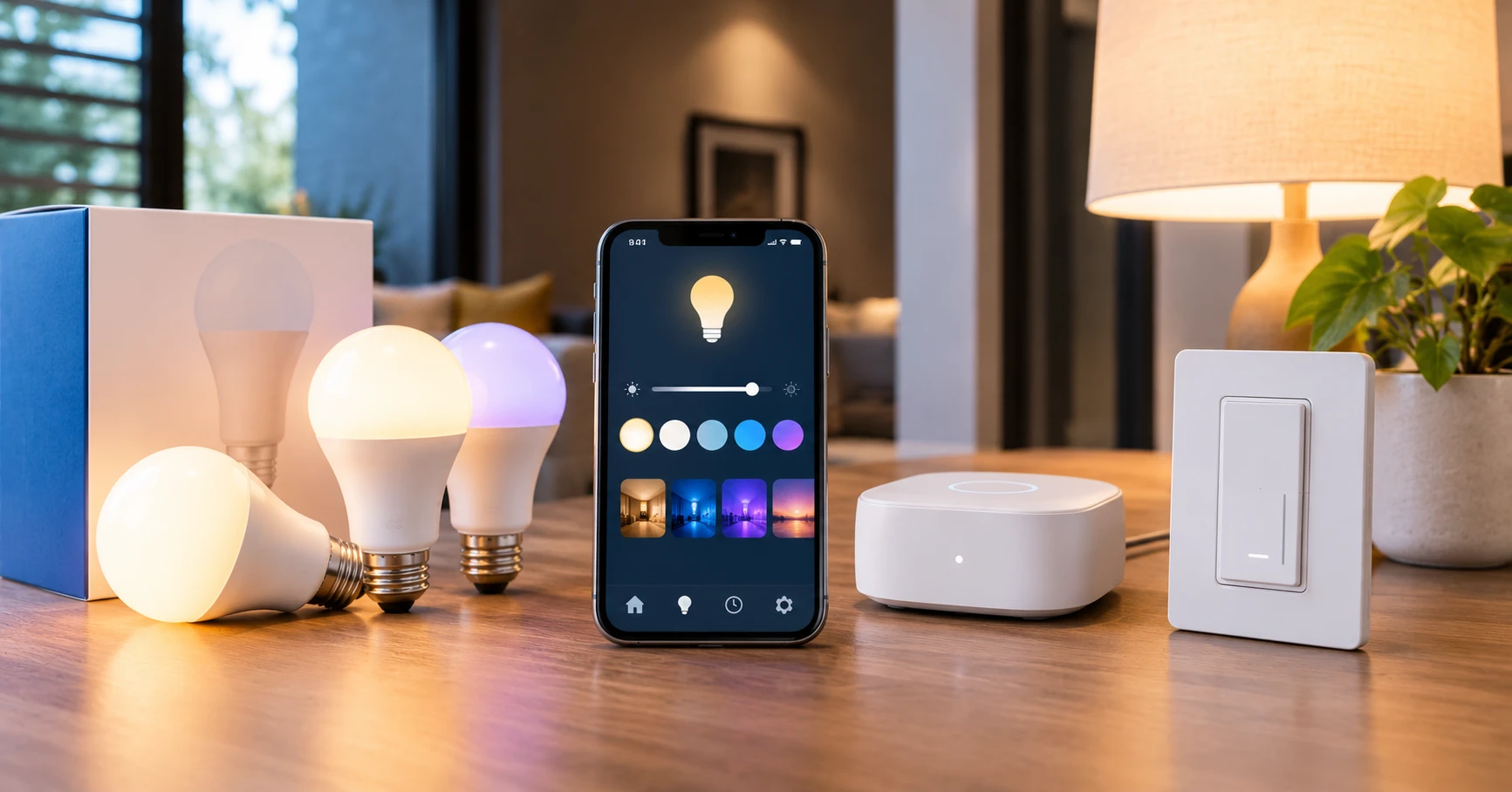
- HOW TO How to Set Up Smart Lighting: A Step-by-Step Guide
- Best Smart Bulbs for Alexa (2024): Top Picks That Work Reliably
- IDEAS 9 Smart Lighting Ideas That Actually Make a Difference at Home
- Smart Lighting for Apartments: The Complete Renter-Friendly Guide
- Best Smart Bulbs (2024-2025)
- HOW TO Smart Lighting for Renters: No Wiring, No Drilling