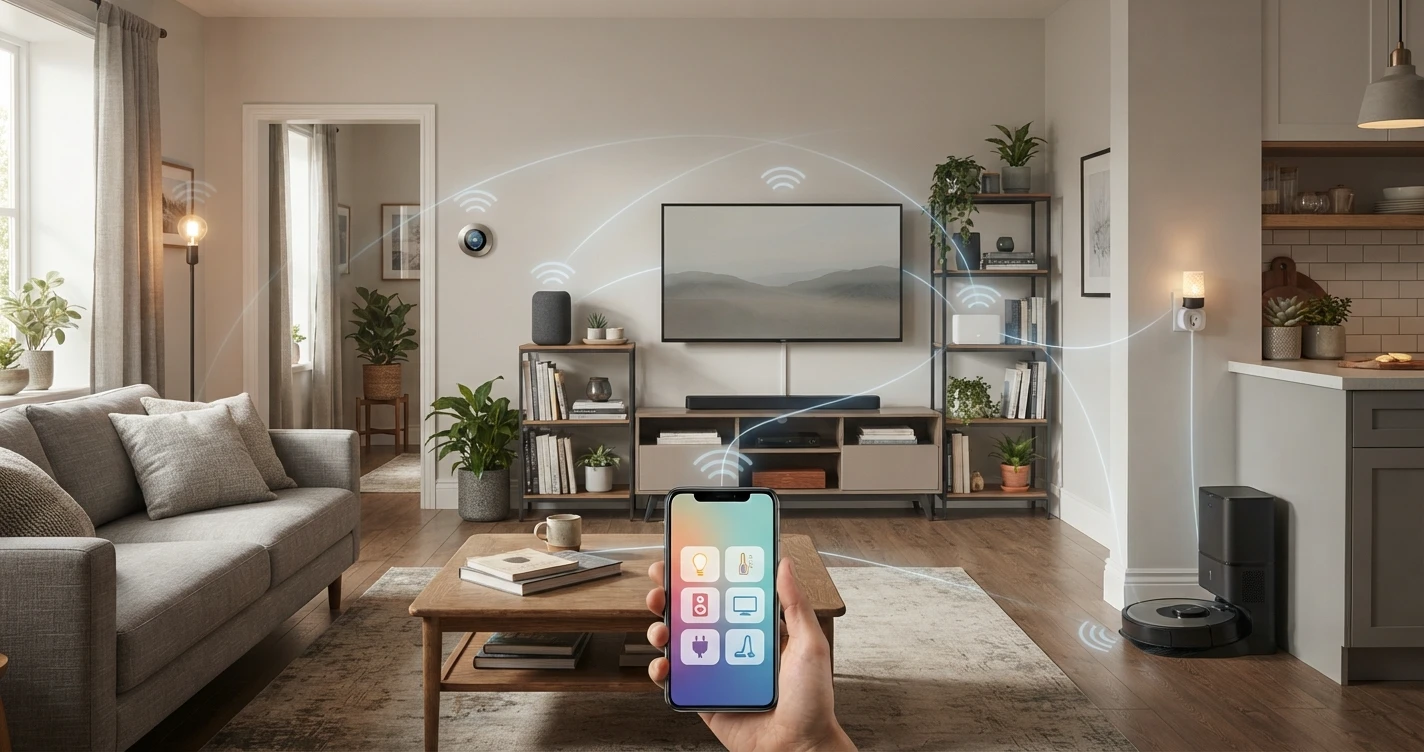
How Smart Home Works
Understand exactly how smart home devices connect, communicate and respond — without the technical jargon.
Smart home sounds complicated from the outside. In practice, it follows a straightforward logic: devices connect to a network, that network connects to an app, and the app connects to you. Understanding this chain makes everything else — choosing devices, troubleshooting problems, planning your setup — much simpler.
The basic structure: device, network, app
Every smart home system works on the same principle:
- A device (a bulb, a lock, a camera) connects to your home network.
- Your network connects to the internet and to a cloud service (Amazon, Google, Apple).
- An app on your phone communicates with that cloud service to control the device.
This is why smart home devices require Wi-Fi — and why they stop responding when your internet goes down. The cloud is the middleman between your phone and your device, even when both are in the same room.
Some devices can operate locally (without going through the cloud) using protocols like Matter over Thread. These maintain basic function during internet outages. But most consumer devices rely on cloud communication.
How devices connect: the three main paths
Direct Wi-Fi
The device connects directly to your router, just like a laptop or phone. No extra hardware needed. This is the most common approach for consumer smart home products — cameras, smart plugs, video doorbells, and many smart bulbs work this way.
Limitation: each Wi-Fi device uses a slot on your router. A router can typically handle 30–50 connected devices before performance degrades. For small setups this isn't an issue.
Hub-based protocols (Zigbee, Z-Wave)
Zigbee and Z-Wave devices don't connect directly to your router. Instead, they connect to a hub (a dedicated device plugged into your router), and the hub handles the translation to Wi-Fi and then to the cloud.
These protocols use very little power, which makes them ideal for battery-operated sensors and certain smart bulbs. They also form a mesh network — each device can relay signals from other devices, extending range throughout a home.
The trade-off: you need a compatible hub. Popular hubs include the Amazon Echo (4th gen, which has a built-in Zigbee hub), Samsung SmartThings Hub, and Philips Hue Bridge.
Thread and Matter
Thread is a mesh protocol similar to Zigbee but built on internet standards (IPv6). Matter is a software standard that runs on top of Thread and Wi-Fi, allowing devices from different manufacturers to communicate directly with each other.
The key advantage of Matter: a device certified for Matter can work with Alexa, Google Home, and Apple Home simultaneously, without manufacturer-specific workarounds. A Thread Border Router (built into recent Apple TV, HomePod, Echo 4th gen, and Google Nest Hub 2nd gen) bridges Thread devices to the rest of your network.
→ For a full explanation: What Is Matter?
Voice assistants and ecosystems
A voice assistant (Alexa, Google Assistant, Siri) is the front end of an ecosystem. When you say "Alexa, turn off the lights," Alexa processes the request through Amazon's cloud, identifies which device you mean, and sends the command to it.
An ecosystem is the full platform: the voice assistant, the app, the cloud infrastructure, and the set of rules that devices must follow to be compatible. Amazon, Google, and Apple each run their own ecosystem.
Most smart home devices are certified for at least one ecosystem, and many support two or three. A device that says "Works with Alexa" has been tested and approved by Amazon to respond to Alexa commands correctly.
Apps and automations
Every ecosystem has an app — Amazon Alexa, Google Home, Apple Home — where you see all your connected devices, run them manually, and set up automations.
An automation is a rule that runs automatically. Examples:
- At sunset, turn on the living room lights to 40% brightness.
- When I leave home (detected via phone location), lock the front door.
- If the motion sensor detects movement after midnight, turn on the hallway light and send a notification.
Automations are built inside the ecosystem app. The app stores the rules in the cloud, monitors the triggers, and sends commands when conditions are met. More advanced automations — combining multiple devices from multiple brands — are possible through platforms like Home Assistant, though that goes beyond the scope of a basic setup.
Local control vs cloud control
Most smart home devices require an internet connection to function, because the app talks to the cloud, which talks to the device. If your internet is down, the device usually can't be controlled remotely — even from another room.
Exceptions:
- Matter over Thread devices can maintain local communication when your internet is down, as long as the Thread Border Router is still powered.
- Some Zigbee/Z-Wave setups (particularly with local-processing hubs like Home Assistant) can operate without internet.
- Physical controls — a smart switch still works as a regular switch if you press it manually, regardless of internet status.
What happens when you press a button in the app
To make it concrete: here's what happens when you open the Alexa app and tap "Off" on a smart bulb.
- Your phone sends the "off" command to Amazon's servers (via your mobile data or Wi-Fi).
- Amazon's servers identify which device and which account the command belongs to.
- Amazon sends the command to the bulb's manufacturer's cloud service (unless it's a native Amazon device).
- The manufacturer's cloud sends the command to the bulb via your home Wi-Fi.
- The bulb switches off and sends a confirmation back through the same chain.
This round trip typically takes under a second. When it takes several seconds or times out, the problem is usually in the cloud communication — a slow server, a poor Wi-Fi signal, or the device being temporarily unreachable.
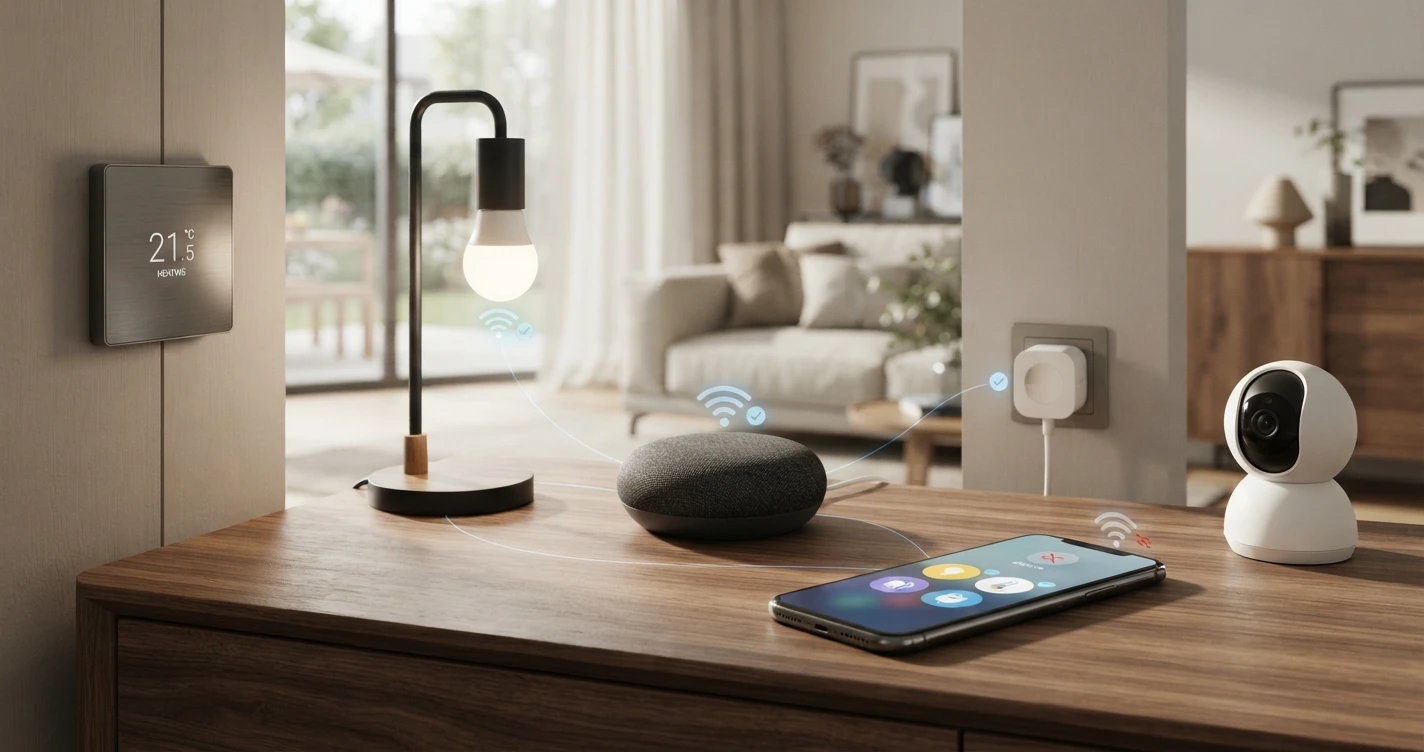
Why devices "go offline"
Devices appear offline in the app when the communication chain breaks anywhere:
- The device lost its Wi-Fi connection (common cause: router reboot, changed Wi-Fi password, weak signal).
- The manufacturer's cloud service is down (temporary, usually resolves in minutes).
- The device firmware needs updating.
- The device itself has lost power or malfunctioned.
In most cases, unplugging the device for 10 seconds and plugging it back in restores the connection. For persistent issues, re-pairing the device in the app is the next step.
Frequently asked questions
Do smart home devices work without Wi-Fi?
Generally, no — not for remote control or automations. Physical controls (a switch on the wall, a button on the device) still work. Devices using Matter over Thread have better local connectivity, but still need a border router on your network.
Can I control smart home devices without a smartphone?
Yes, in several ways: voice commands through a smart speaker (Echo, Google Nest), tablet apps, or physical controls on the device itself. You don't need a phone nearby to use voice control once devices are set up.
Does every smart home device need to be from the same brand?
No. Devices from different brands can work together if they share a common ecosystem (Alexa, Google Home, or Apple Home), or if they support Matter. You're not locked into one brand — but you are choosing a platform.
Is smart home technology always listening?
Smart speakers with voice assistants (Echo, Google Nest, HomePod) listen for a wake word ("Alexa," "Hey Google," "Hey Siri") continuously. They are not supposed to record or transmit audio before the wake word is detected. Smart cameras record when triggered (motion detection) or continuously, depending on your settings. You can mute microphones on smart speakers via a physical button when you don't want passive listening.
Related Articles
More in this topic
- EXPLAINER What Is Matter? The New Smart Home Standard Explained
- COMPARISON Alexa vs Google Home vs Apple Home: Which Ecosystem Should You Choose?
- HOW TO How to Avoid Smart Home Compatibility Issues
- SOLUTION Best Smart Home Starter Setup
- EXPLAINER Smart Home for Renters: What You Can (and Can't) Do
- EXPLAINER Smart Home for Beginners: Where to Start (Without Wasting Money)