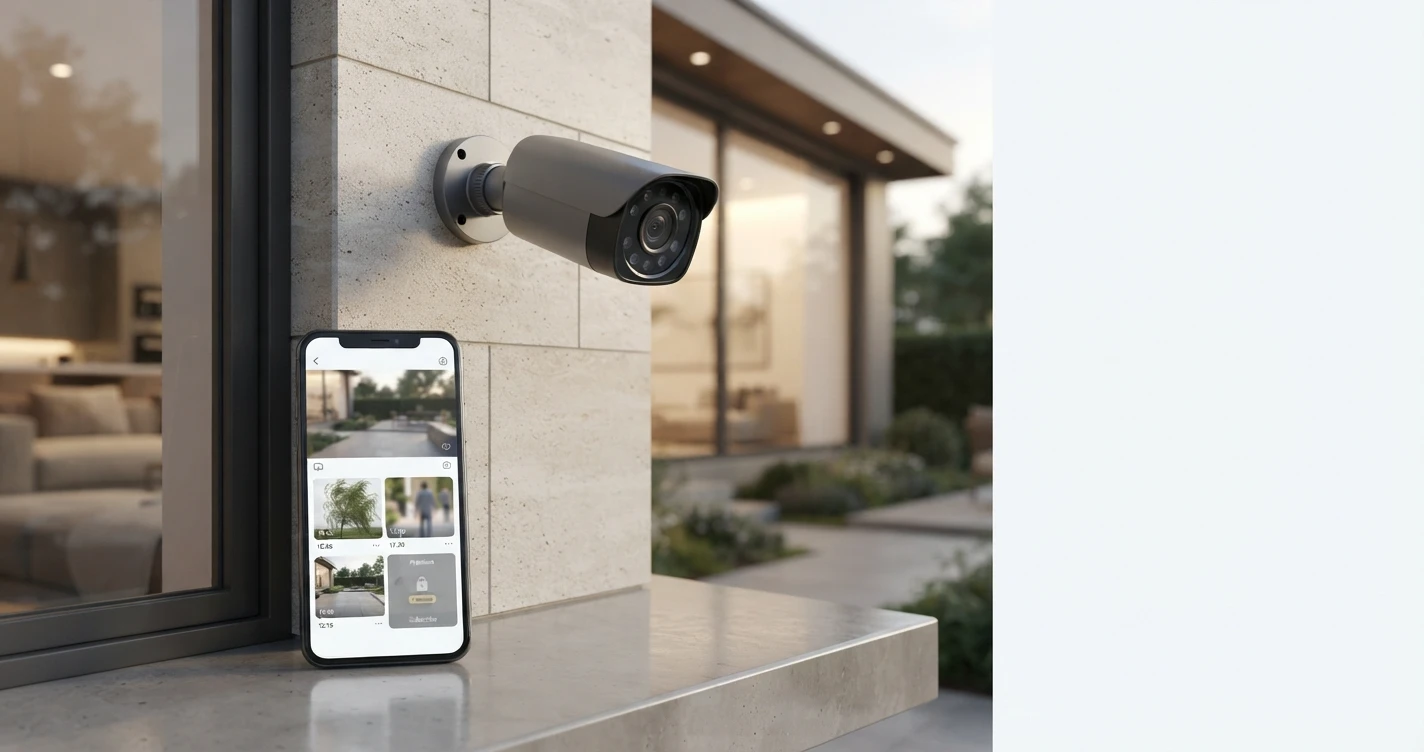
Security Camera Subscriptions Explained
What you get, what you pay, and how to get full functionality without a monthly fee
A clear breakdown of security camera subscriptions — what Ring, Arlo, Nest, Eufy, and Wyze charge and what you actually get.
Almost every security camera manufacturer now has a subscription tier. Some subscriptions unlock genuinely useful features. Others lock away things that should be basic — like the ability to view footage you already recorded. This guide explains what subscriptions actually cover so you can decide whether to pay or find an alternative.
Why Security Camera Subscriptions Exist
Cloud storage costs money to run. AI-powered detection (person recognition, package detection, familiar face alerts) requires server-side processing. Manufacturers also use subscriptions as a revenue model, which is why some restrict features that don't actually require cloud infrastructure.
What Subscriptions Typically Include
- Cloud video storage: Your footage is saved on the company's servers for a set number of days (typically 7, 30, or 60). Accessible anywhere; off-site backup if the camera is stolen.
- Extended history: Free tiers often give 24-48 hours. Subscriptions extend to 30-60 days.
- AI-powered detection: Person, package, vehicle, animal, or familiar face detection. Often requires subscription even when the camera hardware supports it locally.
- Continuous recording: Most free tiers only record on motion. Subscriptions may enable 24/7 continuous recording.
- Multiple camera management: Some plans cover all cameras on one account rather than per-camera pricing.
Subscription Pricing by Brand
Ring Protect: $4.99/month per device, or $10/month for the whole home (unlimited devices). Required to store any video history — without it, Ring shows live view only. Ring Protect Plus ($10/month) also includes extended warranty and 24/7 professional monitoring for Ring Alarm.
Arlo Secure: $2.99/month per camera for 30-day cloud storage, or $12.99/month for unlimited cameras. 7-day free trial included with purchase. Includes AI detection and emergency response connections.
Google Nest Aware: $8/month for 30-day event history and familiar face recognition. $15/month for 60-day history. 3 hours of event history are free with any Nest camera.
Wyze Cam Plus: $1.99/month per camera ($9.99/month unlimited) for AI detection (person, vehicle, pet), continuous recording to cloud, and extended event history. Basic motion clips are free without subscription.
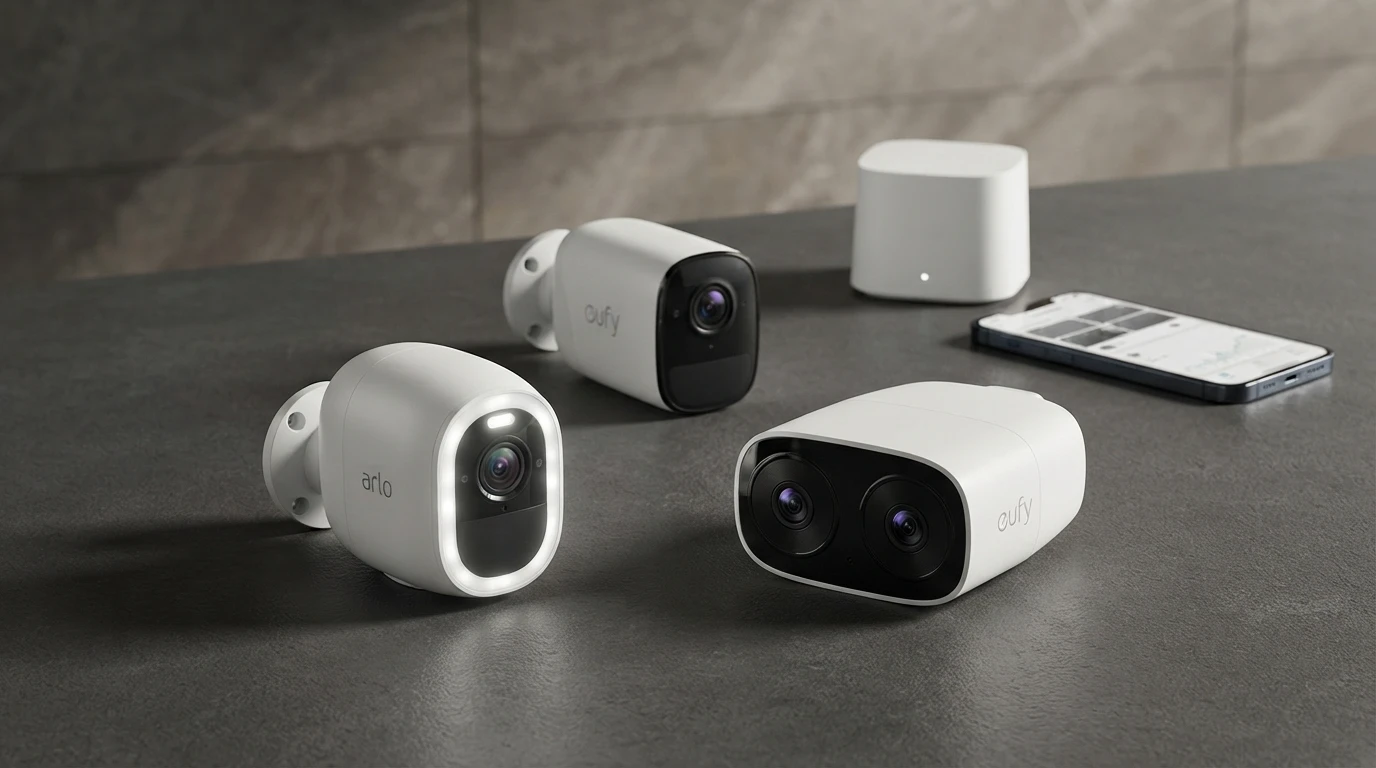
Eufy: No subscription required for local storage. Eufy Security subscription ($2.99/month) adds optional cloud backup. Local storage works fully without paying anything beyond the hardware.
Apple HomeKit Secure Video: Not a camera subscription — uses your existing iCloud plan. 50GB ($0.99/month) covers 5 cameras, 200GB ($2.99/month) covers unlimited cameras. Footage encrypted end-to-end.
How to Avoid Subscriptions Entirely
- Local microSD storage: Cameras like the Wyze Cam v3, Reolink cameras, and Eufy standalone cameras record to a microSD card. No subscription, no cloud, footage stays on the camera.
- Hub-based local storage: Eufy's HomeBase stores footage from multiple cameras locally without subscription. Arlo Smart Hub adds local USB storage to Arlo cameras.
- Apple HomeKit Secure Video: Uses iCloud storage you may already pay for — no additional camera subscription.
- NAS + ONVIF cameras: Technical users can connect ONVIF-compatible cameras (Amcrest, Reolink, Hikvision) to a NAS running camera management software for unlimited local storage with no recurring fees.
Is a Subscription Worth It?
It depends on what features you actually use. If you regularly review footage from days ago, cloud storage is worth the cost. If you mainly want to see real-time alerts and check live view, local storage or a free tier may be sufficient.
The worst deal: paying for Ring Protect when you primarily use live view and rarely review recorded footage. The best deal: Eufy HomeBase for households that want extended local history without any monthly cost.
FAQ
What happens to my footage if I cancel a subscription?
Cloud-stored footage is typically deleted within 30-60 days of subscription cancellation — the exact policy varies by brand. If you cancel Ring Protect, your Ring footage history is deleted. Download important footage before canceling.
Can I switch from cloud to local storage later?
With most cameras, yes — if the camera supports microSD or connects to a hub. Ring cameras, notably, do not support local microSD storage at all. If you want to move away from Ring subscriptions, you need new cameras.
Related Articles


More in this topic
- Best HomeKit Security Cameras (Apple Home)
- COMPARISON Arlo vs Eufy Security Cameras: Which Is Better?
- Best Indoor Security Cameras (2024-2025)
- Best Home Security Cameras (2024-2025)
- Best Security Cameras Without a Subscription
- Home Security Camera Buying Guide
- SOLUTION Smart Home Security Setup: A Complete Guide