
Best Security Cameras Without a Subscription
Local storage cameras that record and alert without monthly fees
The best home security cameras that work without a monthly subscription, using local storage for footage.
Most home security cameras push you toward a cloud subscription. But local-storage cameras have improved dramatically — you can now get 2K or 4K footage, AI detection, and smart home integration without paying monthly fees.
This guide covers the best security cameras with no subscription required for core functionality: local recording, motion detection, and remote viewing.
What "No Subscription" Actually Means
Not all no-subscription cameras are equal. Watch for:
- Local storage but limited remote viewing: Some cameras store footage locally but restrict remote access without a subscription.
- AI features behind a paywall: Motion detection may be free, but person detection or package detection may require a subscription.
- Storage hardware sold separately: Some cameras need a separate hub or NAS that adds upfront cost.
The cameras below offer the most functionality without any recurring fees.
Best No-Subscription Security Cameras
Eufy Security SoloCam S340
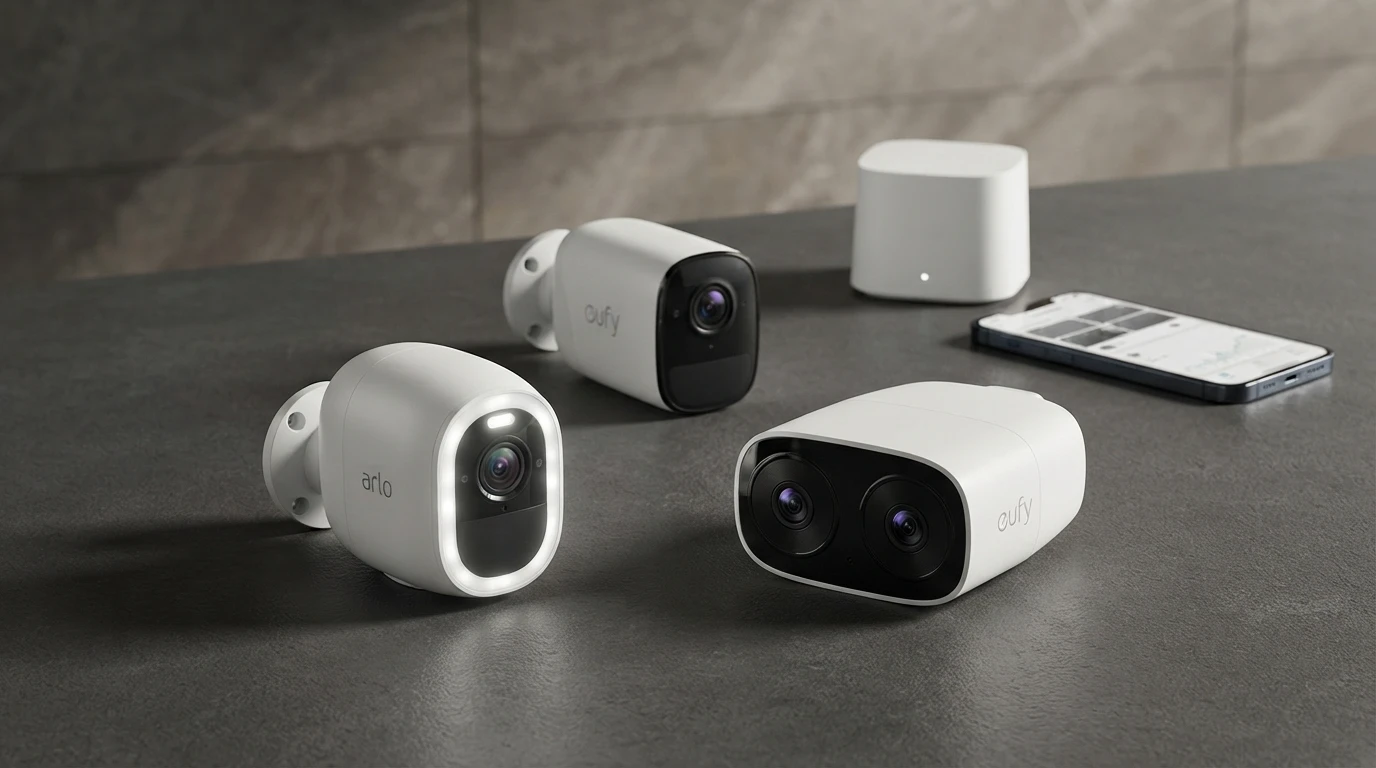
The SoloCam S340 stores footage in 8GB of built-in storage with no hub, no cloud, no subscription. It also has a dual lens (wide angle + 8x zoom) and solar charging. Person detection is included at no cost.
Storage: 8GB internal (no microSD slot; Eufy HomeBase 3 optional for expanded storage). Remote viewing: Yes, free via Eufy app. AI detection: Person, vehicle, pet — free. Smart Home: Alexa, Google Home, Apple Home. Price: ~$130.
Wyze Cam v3
The most affordable no-subscription camera that delivers reliable performance. Stores footage to a microSD card (up to 256GB supported). Basic motion detection is free; person detection requires the Wyze Cam Plus subscription ($1.99/month), but basic alerts and footage are free.
Storage: microSD (sold separately, $8-$15 for a 32GB card). Remote viewing: Yes, free. AI detection: Motion detection free; person detection $1.99/month. Smart Home: Alexa, Google Home. Apple Home: Not supported. Price: ~$35.
Reolink Argus 3 Pro
Reolink cameras offer some of the best value in the no-subscription space. The Argus 3 Pro is a wire-free 2K camera with solar charging, spotlight, color night vision, and local microSD storage. Person and vehicle detection included free.
Storage: microSD up to 128GB (sold separately), or FTP/NAS. Remote viewing: Yes, free via Reolink app. AI detection: Person and vehicle — free. Smart Home: Alexa, Google Home. Apple Home: Not officially supported. Price: ~$80.
Logitech Circle View (Apple Home/HomeKit Secure Video)
For Apple Home users, HomeKit Secure Video stores up to 10 days of encrypted footage in iCloud at no extra charge if you have a 50GB+ iCloud storage plan (which costs $0.99/month). The camera itself has no subscription — your existing iCloud storage covers it.
Storage: iCloud via HomeKit Secure Video (included in 50GB+ iCloud plan). Smart Home: Apple Home only. Price: ~$100.
Note: If you do not already have 50GB iCloud, this adds $0.99/month — but it covers all HomeKit cameras and your other iCloud storage too.
Amcrest IP8M-2483EW (for NAS/local network setups)
For users who want full local control with no cloud dependency at all, Amcrest offers ONVIF-compatible cameras that work with a local NAS or Blue Iris (Windows DVR software). No cloud, no app subscription, footage stays entirely on your local network.
Storage: NAS or DVR (sold separately). Smart Home: Alexa (for live view, basic commands). Price: ~$80-$120 per camera. NAS adds $150-$300+.
Best for: Technical users who want complete local control with no cloud dependency.
What to Sacrifice vs. What to Keep
Without a subscription you typically lose: extended cloud storage history (most subscriptions give 30-60 days), AI-powered person/face recognition on some platforms, and professional monitoring integrations.
What you keep with local storage: your footage, your privacy, and your money.
FAQ
Is footage from no-subscription cameras secure?
Local storage means your footage stays on your property. Cloud cameras store footage on company servers — reputable companies encrypt it, but it does leave your premises. HomeKit Secure Video encrypts footage before it leaves your home, so even Apple cannot view it.
What happens to footage when my microSD is full?
Most cameras loop — overwriting the oldest footage first. A 128GB microSD card holds approximately 2-4 weeks of motion-triggered footage at 1080p depending on how much activity triggers recording.
Related Articles


More in this topic
- Best HomeKit Security Cameras (Apple Home)
- COMPARISON Arlo vs Eufy Security Cameras: Which Is Better?
- Best Indoor Security Cameras (2024-2025)
- EXPLAINER Security Camera Subscriptions Explained
- Best Home Security Cameras (2024-2025)
- Home Security Camera Buying Guide
- SOLUTION Smart Home Security Setup: A Complete Guide