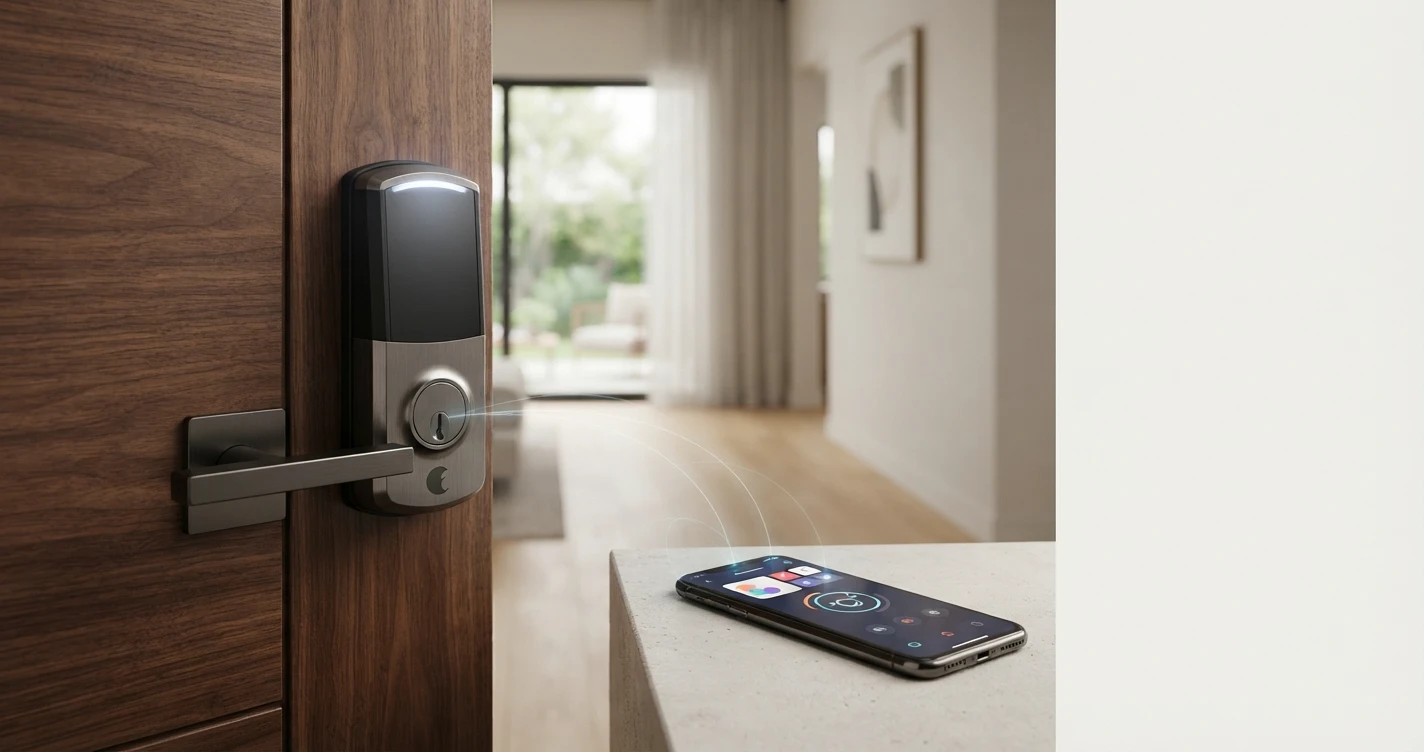
How Smart Locks Work: The Complete Explainer
How do smart locks actually work? This plain-English guide covers connectivity, security, installation and what to look for before you buy.
Smart locks replace or augment your existing deadbolt with an electronic locking mechanism that can be controlled via an app, voice commands, keypads, or automated schedules. Here is how they actually work.
The Basic Mechanism
A smart lock uses an electric motor or solenoid to turn the lock cylinder or throw the bolt, the same mechanical action your key would perform. The motor receives commands from an internal circuit board that communicates wirelessly with your smartphone, a hub, or a voice assistant.
Most smart locks mount on the interior side of your door. They connect to your existing deadbolt mechanism, so you typically do not need to change the exterior door hardware or your door frame.
How Smart Locks Connect
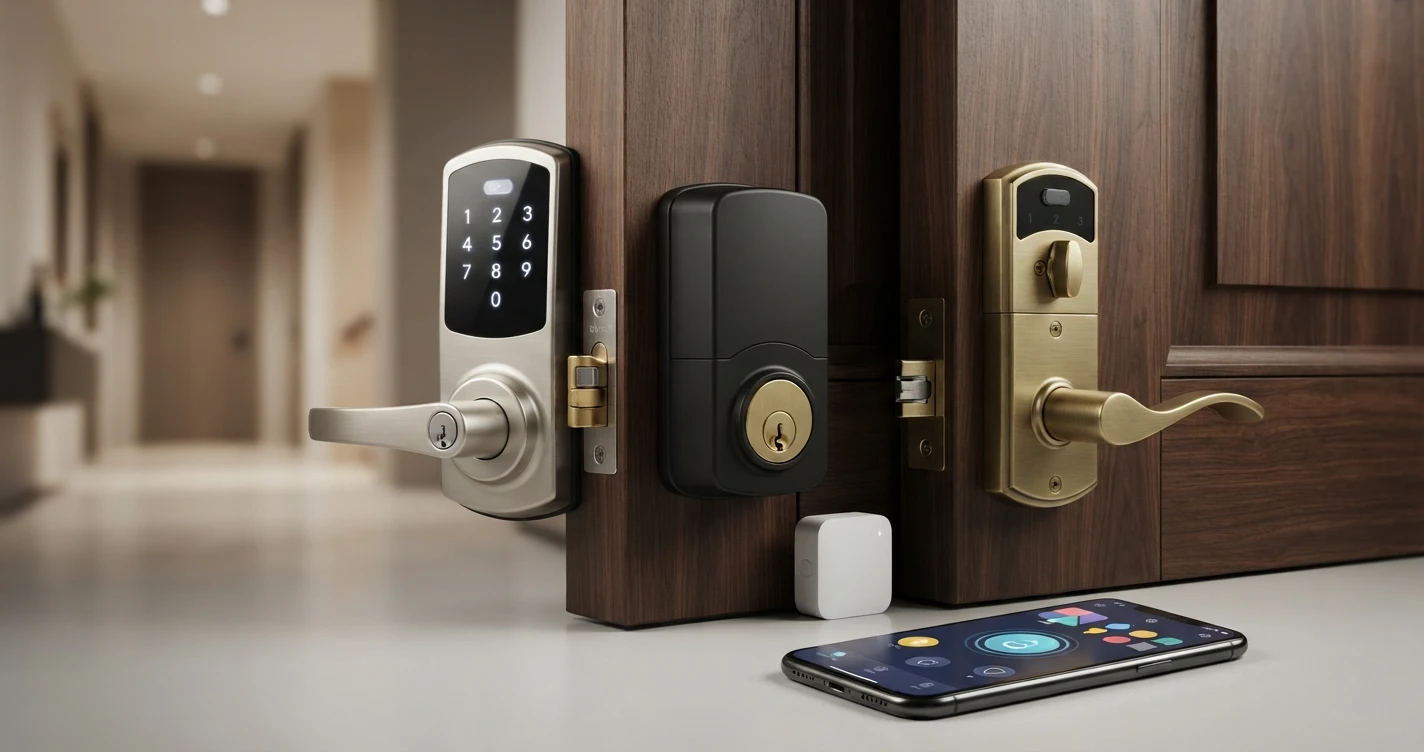
Smart locks use different wireless protocols to communicate:
- Wi-Fi: Connects directly to your home router. No hub required. Works for remote access from anywhere. Examples: Schlage Encode, August Wi-Fi.
- Bluetooth: Communicates with your smartphone when you are nearby. Fast and reliable but no remote access without a Wi-Fi bridge. Many locks use Bluetooth for local control and Wi-Fi for remote access.
- Zigbee: Requires a compatible hub (Samsung SmartThings, Amazon Echo with Zigbee, or a dedicated Zigbee hub). Lower power consumption than Wi-Fi.
- Z-Wave: Similar to Zigbee. Requires a Z-Wave hub. Often used in security systems.
- Matter: A newer standard that works across all major ecosystems (Alexa, Google Home, Apple Home, SmartThings) without brand-specific bridges. Examples: Schlage Encode Plus, Yale Assure Lock 2 with Matter.
How Access Control Works
Smart locks give you multiple ways to lock and unlock:
- App: Lock or unlock from your phone, from anywhere with an internet-connected lock.
- Keypad: Enter a PIN code. Most smart locks support multiple codes for different users.
- Voice commands: "Alexa, lock the front door" - works with Alexa, Google Home, or Apple Home depending on the lock.
- Auto-unlock: Some locks detect your phone approaching via Bluetooth or geofencing and unlock automatically.
- Physical key: All smart locks include a physical key cylinder as a backup.
Guest Access
Smart locks let you create temporary or permanent access codes for guests, cleaners, or contractors. You can set codes to work only during specific hours or on specific days. Codes can be deleted remotely when access is no longer needed - no need to change locks or collect keys.
Activity Logs
Smart locks record when the lock was operated and by which method. You can see in the app when someone used a code, unlocked via the app, or if the door was locked manually. Some locks store this history in the cloud; storage duration varies by brand and subscription status.
Battery Life
Smart locks run on batteries (typically 4 AA batteries). Battery life ranges from 6 months to over a year depending on usage frequency and connectivity protocol. Most locks send low-battery alerts to your phone before the batteries die. All locks retain their keypad and physical key access even when battery is critically low.
Installation
Most smart locks install in 15-30 minutes with a screwdriver. They typically replace only the interior half of your existing deadbolt. The exterior hardware (and thus your door appearance) often stays the same. Some locks (like August) fit over the existing interior thumb-turn without modifying the door at all.
FAQ
Can smart locks be hacked? Like any networked device, smart locks have a security surface. Reputable brands use encryption. Physical security remains important - a smart lock does not improve door frame or hinge security.
What happens when the battery dies? You can always use the physical key. Some locks support an emergency power option where you hold a 9V battery to external terminals to get enough power to unlock electronically.
Do smart locks work with any door? Most standard US single-cylinder deadbolts can be replaced with a smart lock. Doors with non-standard configurations may require additional hardware or professional installation.
Related Articles


More in this topic
- Best Smart Locks (2026): Top Picks for Every Home
- Best Smart Locks Without a Subscription (2024)
- HOW TO How to Choose a Smart Lock: The Complete Buying Guide
- PRODUCT REVIEW Schlage Encode Plus Review: The Best Smart Lock for Apple HomeKit Users?
- COMPARISON August vs Schlage Smart Lock: Which Is Right for Your Home?
- Best Smart Locks for Renters (2026): No-Drill, No Landlord Permission Needed
- Best Smart Locks for Apple Home (HomeKit) in 2026