
Best Smart Locks for Renters (2026): No-Drill, No Landlord Permission Needed
The best smart locks for renters — no permanent modifications, easy to remove, and renter-friendly setups that actually work.
Renters face a specific problem with smart locks: most models replace the entire lock cylinder. Renter-friendly smart locks solve this by retrofitting over your existing deadbolt or replacing only the interior thumb turn.
What Makes a Smart Lock Renter-Friendly
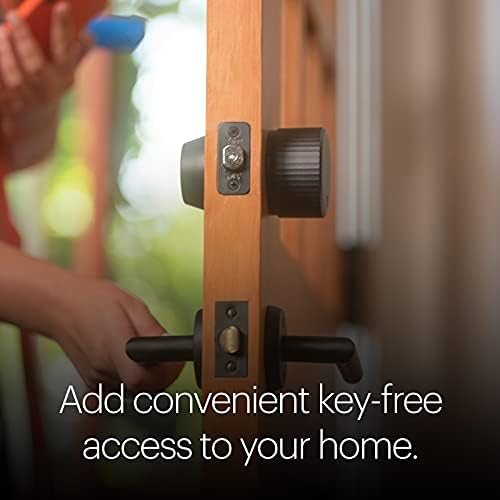
- Retrofit design: Installs over your existing lock from inside. August Wi-Fi Smart Lock is the most well-known example.
- Simple swap with easy restoration: Schlage Encode Plus installs in 15-30 minutes and uninstalls just as quickly.
- No permanent modifications: No drilling, no rewiring, no changes to the door frame.
Best Smart Locks for Renters
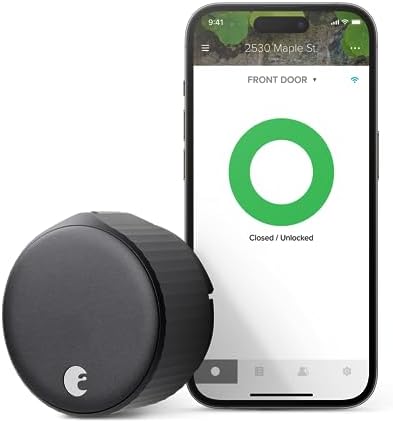
August Wi-Fi Smart Lock (4th Gen)
The most renter-friendly smart lock available. Installs over your existing deadbolt cylinder — the exterior looks unchanged, your original key still works. Installation takes about 10 minutes.
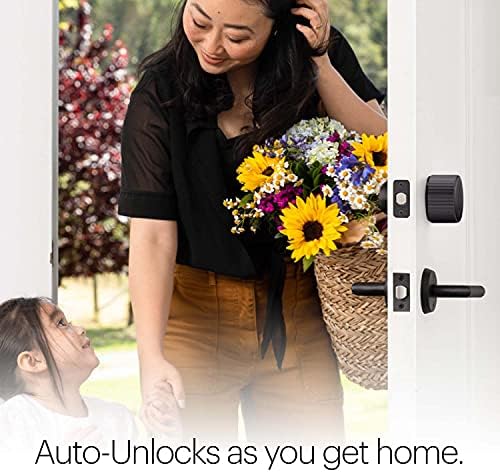
Key features: Auto-lock, auto-unlock, activity log, remote access via Wi-Fi, Alexa/Google/Apple Home.
Subscription: Not required. Price: $149-$199. Keypad sold separately ($60-$80).
Best for: Renters who want a smart lock without changing the exterior.
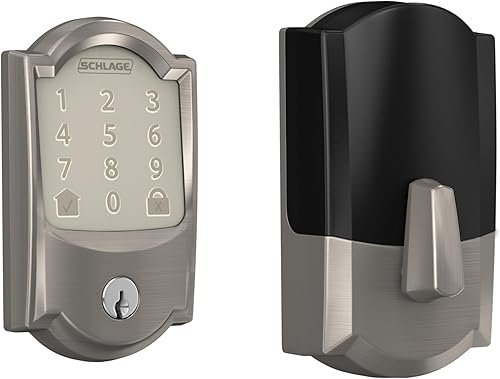
Schlage Encode Plus
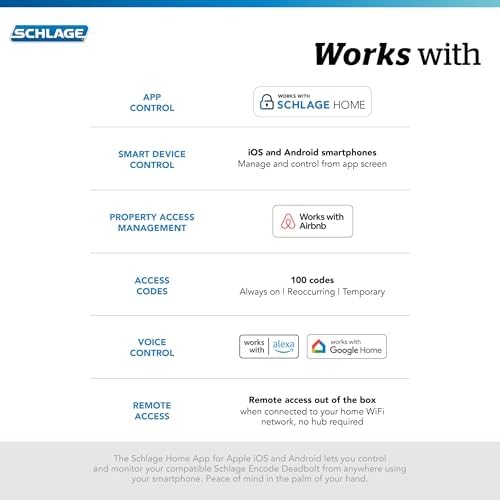
Replaces your existing deadbolt (confirm with landlord), but swaps back easily when you move. Built-in Wi-Fi, Matter support, native Apple Home — no hub required.
Key features: Built-in Wi-Fi, Matter, Alexa/Google/Apple Home, up to 100 access codes, ANSI Grade 1 security rating.
Subscription: Not required. Price: $229-$279.
Best for: Renters where landlord allows standard deadbolt replacement.
Wyze Lock
Most affordable retrofit smart lock. Connects via Bluetooth; the Wyze Lock Gateway (~$30) adds Wi-Fi and remote access.
Apple Home: Not supported. Subscription: Not required. Price: Lock $90, Gateway $30, Keypad $30.
Best for: Budget-conscious renters who do not need Apple Home.
Level Lock+ (Apple Home users)
Installs inside your existing deadbolt cylinder — looks completely identical to a standard lock from both sides. Apple Home native, Matter support.
Subscription: Not required. Price: $229-$329.
Best for: Apple Home users who want the most invisible smart lock upgrade.
What to Check Before Buying
Lock compatibility: August and Wyze publish compatibility lists — check your lock model. Door type: Metal doors can block Bluetooth; Wi-Fi locks handle this better. Keypad: Confirm whether included or sold separately.
FAQ
Do I need landlord permission?
For retrofit locks, most landlords do not require notification. For full deadbolt replacements, confirm first. Always restore original hardware before moving out.
Can I take the lock when I move?
Yes. Retrofit locks uninstall in minutes. Keep original hardware so you can restore it.
What if the battery dies?
The app notifies you. Most locks have a physical keyhole. The Schlage Encode Plus has an exterior terminal where a 9V battery powers the keypad in an emergency.
Where to Buy






Affiliate links — we may earn a commission at no extra cost to you.
Related Articles


More in this topic
- Best Smart Locks (2026): Top Picks for Every Home
- EXPLAINER How Smart Locks Work: The Complete Explainer
- Best Smart Locks Without a Subscription (2024)
- HOW TO How to Choose a Smart Lock: The Complete Buying Guide
- PRODUCT REVIEW Schlage Encode Plus Review: The Best Smart Lock for Apple HomeKit Users?
- COMPARISON August vs Schlage Smart Lock: Which Is Right for Your Home?
- Best Smart Locks for Apple Home (HomeKit) in 2026