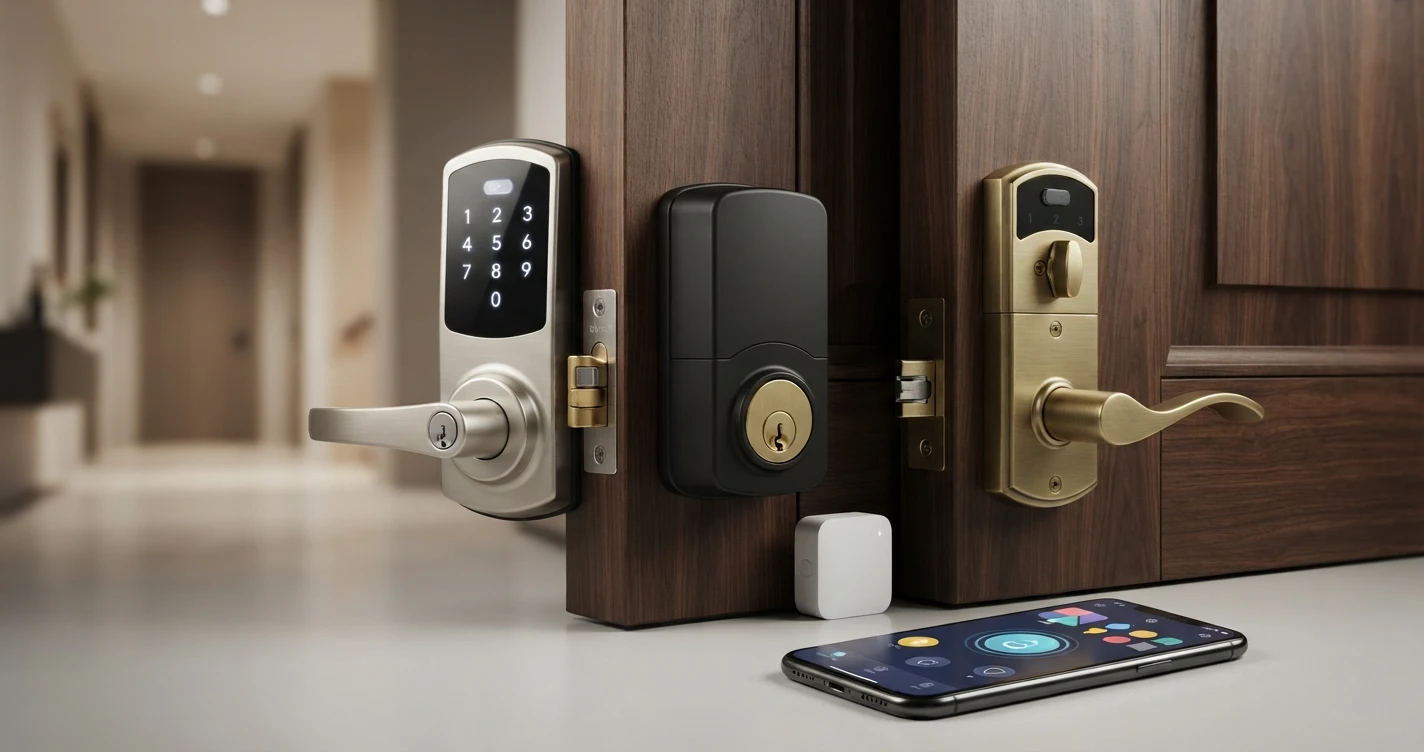
How to Choose a Smart Lock: The Complete Buying Guide
Ecosystem, connectivity, door compatibility, and installation type - what actually matters when buying a smart lock
Not sure which smart lock to buy? This guide explains how to choose based on your smart home ecosystem, door type, connectivity needs, and budget.
Choosing a smart lock comes down to four decisions: which smart home ecosystem you use, how you want to connect the lock, whether you need Apple HomeKit, and what door hardware you have. This guide walks through each.
Step 1: Know Your Smart Home Ecosystem
The ecosystem you use determines which locks will work seamlessly with your setup.
- Amazon Alexa: Nearly all smart locks support Alexa. Most connect via the brands own skill. Matter-enabled locks connect even more reliably.
- Google Home: Similar broad compatibility. Check for "Works with Google Home" on the product listing.
- Apple HomeKit: Significantly fewer locks are HomeKit-compatible. If you use Apple Home, focus on locks with native HomeKit or Matter support. Key options: Schlage Encode Plus, August Wi-Fi Smart Lock, Yale Assure Lock 2 (Matter version).
- Samsung SmartThings: Look for Zigbee, Z-Wave, or Matter compatibility.
Step 2: Choose Your Connectivity
How the lock connects determines whether you need extra hardware.
Wi-Fi locks connect directly to your router. Remote access works out of the box. No hub needed. Examples: Schlage Encode, August Wi-Fi. Battery drain is higher than Zigbee or Z-Wave.
Bluetooth locks require your phone to be nearby for control. Some pair Bluetooth with a Wi-Fi bridge for remote access. Best for: short-range control without hub investment.
Zigbee/Z-Wave locks require a compatible hub. More energy-efficient and often more reliable than Wi-Fi. Best for: existing SmartThings or Hubitat users.
Matter locks are the most future-proof option. Work across all major ecosystems without brand-specific hubs or bridges. Schlage Encode Plus and Yale Assure Lock 2 (Plus) support Matter.
Step 3: Check Your Door
Most smart locks fit standard US single-cylinder deadbolts with a 2-3/8" or 2-3/4" backset. Measure the distance from the edge of your door to the center of the lock cylinder. Some older or non-standard doors may need an adapter or are not compatible - check the manufacturer specifications.
Also check the door thickness. Most locks fit doors 1-3/8" to 1-3/4" thick.
Step 4: Consider Installation Type
Deadbolt replacement: Replaces the entire interior and exterior deadbolt mechanism. Most common. Examples: Schlage Encode, Yale Assure.
Interior retrofit: Fits over your existing thumb-turn without replacing the exterior hardware. Keeps your existing keys and exterior appearance. Example: August Smart Lock.
Step 5: Keypad vs No Keypad
A keypad lets family members, guests, or contractors enter without a phone or key. If you want to give temporary access codes without duplicating physical keys, choose a lock with a keypad. Most locks in this guide include keypads.
Other Considerations
- Auto-lock: Automatically locks after a set time. Useful if you forget to lock. Available on most smart locks.
- Auto-unlock: Detects your phone approaching and unlocks. Convenient but uses more battery and raises security considerations.
- Guest codes: How many guest codes can the lock store? Most allow 10-100 unique codes.
- Battery life: Wi-Fi locks typically need new batteries every 6-12 months. Zigbee and Z-Wave locks can last 1-2 years.
FAQ
Can I use a smart lock on a rental? Many smart locks (particularly interior retrofit types like August) install and remove without modifying the door. Check your lease before installing any lock that replaces existing hardware.
Do I need a hub for a smart lock? If you choose a Wi-Fi or Matter lock, no. Zigbee and Z-Wave locks require a hub.
What is the most compatible smart lock? A Matter-enabled lock (like Schlage Encode Plus or Yale Assure Lock 2 Plus) works with Alexa, Google Home, Apple Home, and SmartThings without brand-specific hubs.
Related Articles


More in this topic
- Best Smart Locks (2026): Top Picks for Every Home
- EXPLAINER How Smart Locks Work: The Complete Explainer
- Best Smart Locks Without a Subscription (2024)
- PRODUCT REVIEW Schlage Encode Plus Review: The Best Smart Lock for Apple HomeKit Users?
- COMPARISON August vs Schlage Smart Lock: Which Is Right for Your Home?
- Best Smart Locks for Renters (2026): No-Drill, No Landlord Permission Needed
- Best Smart Locks for Apple Home (HomeKit) in 2026