Smart Apartment Setup: Everything You Need (Without a Hub)
Build a practical smart apartment with no hub, no drilling and no landlord permission needed. Our recommended setup covers security, lighting and automation.
A smart apartment setup has different requirements than a house. You're working with less space, you can't make permanent modifications, and you probably want devices that pack up and move with you. The good news: apartments are actually ideal for smart home technology. Smaller spaces mean fewer devices needed, shorter distances between components, and faster setup.
This guide builds a complete smart apartment setup room by room — covering security, lighting, climate, and convenience — using devices that require no permanent installation.
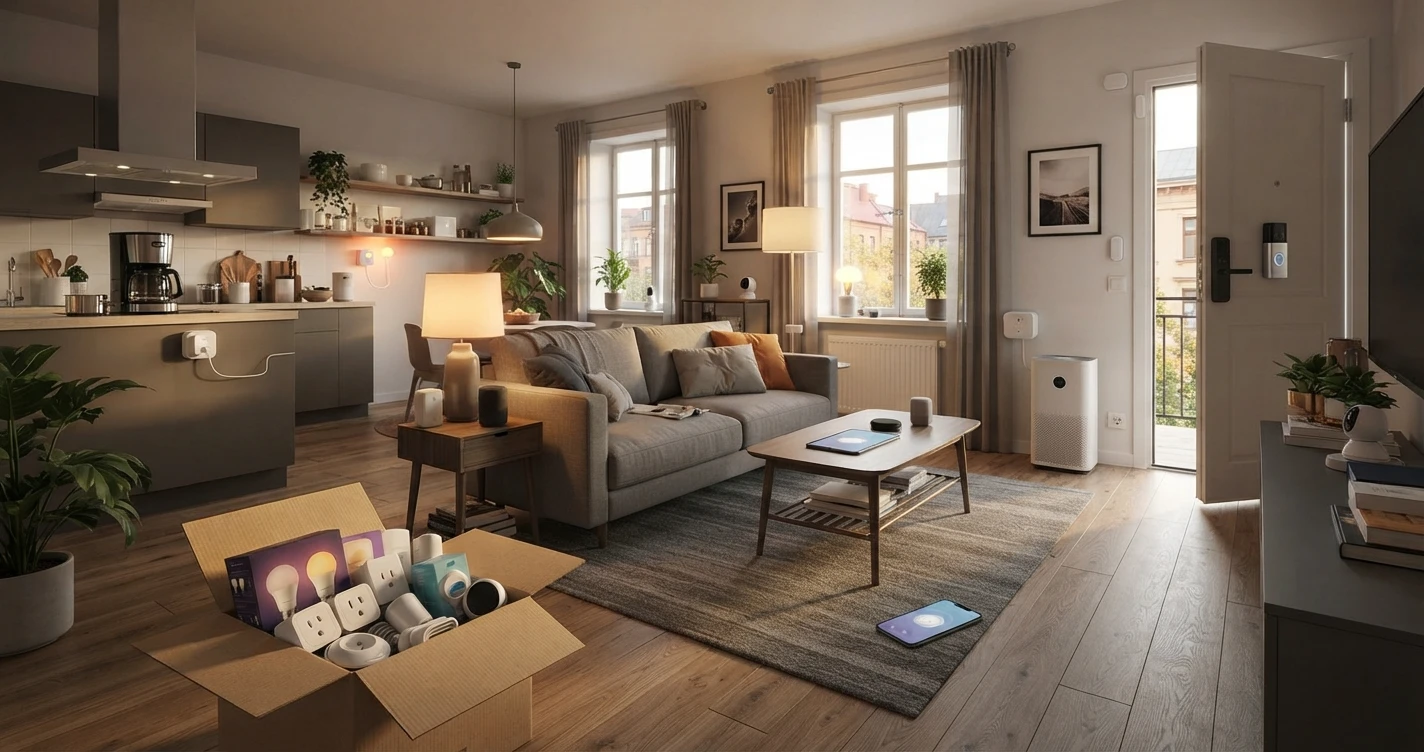
The complete setup
| Zone | Device | Purpose | Est. cost |
|---|---|---|---|
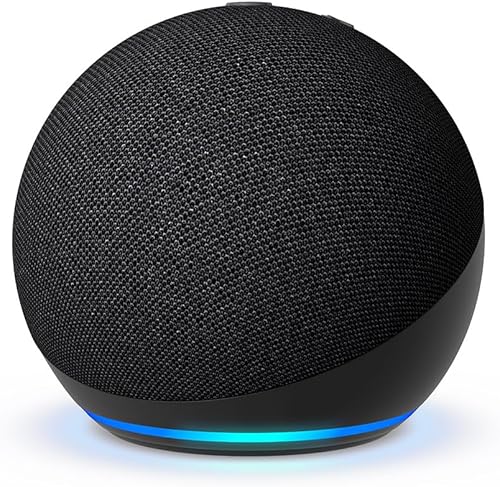
| Entry / Living Room | Smart speaker | Hub + voice control | $30–$50 |
| Entry | Video doorbell | See visitors from anywhere | $70–$150 |
| Entry | Door/window contact sensor | Alert when door opens | $15–$30 |
| Living Room | Smart bulbs (×2–4) | Lighting control and automation | $10–$25 each |
| Living Room | Smart plug (×1) | Lamp or entertainment control | $10–$20 |
| Bedroom | Smart bulb (×1–2) | Wake-up light and evening wind-down | $10–$25 each |
| Bedroom | Smart plug (×1) | Fan, air purifier, or bedside lamp | $10–$20 |
| Kitchen | Smart plug (×1) | Coffee maker automation | $10–$20 |
| Whole apartment | Motion sensor (×1, optional) | Trigger lights when you enter | $20–$35 |
Total estimated cost (complete setup): $200–$500 depending on brands and how many rooms you cover.
Minimum viable setup (speaker + 2 bulbs + 2 plugs + sensor): ~$90–$150.
Ecosystem choice for apartment living
Before buying anything, pick your ecosystem. In an apartment, the practical differences between ecosystems are smaller than in a house — you're covering less space, so range and mesh networking matter less. The choice comes down to your phone and your priorities.
For most people in apartments: Amazon Alexa offers the widest device selection at the most affordable price points, which matters when you're equipping a rental without wanting to overspend. The Echo Dot ($30–$50) is a solid starting hub.
If you're an iPhone user who values privacy, Apple Home with a HomePod mini gives you a cleaner experience within the Apple ecosystem. The trade-off is a higher entry cost and fewer budget-friendly device options.
→ Full comparison: Alexa vs Google Home vs Apple Home
Entry: doorbell and door sensor
Video doorbell
A video doorbell is the highest-impact security upgrade for an apartment. It lets you see who's at your door from your phone, speak to visitors without opening the door, and get motion alerts when someone approaches.
For apartments, look for a battery-powered model that can be mounted without drilling or with a minimal-footprint bracket. Some video doorbells have no-drill mounting options specifically marketed to renters.
Important: check with your landlord before installing any video doorbell, especially if it requires drilling into a door frame. Some buildings have HOA rules about doorbell cameras in corridors.
→ Full guide: Best Video Doorbells
Door contact sensor
A contact sensor on your front door tells you whenever the door opens or closes. Install it with the adhesive backing that most sensors include — no screws, no marks. It takes five minutes.
What you can do with it:
- Get a phone notification every time the door opens (useful if you have roommates or expect deliveries)
- Trigger an automation: "When the front door opens after 10 PM, turn on the entryway light"
- Create a "leaving home" automation: "When the door closes and I'm not home, turn off all lights and the TV"
Contact sensors are inexpensive ($15–$30), battery-powered, and fully removable. They work with Alexa, Google Home, and Apple Home depending on the brand.
Living room: lighting and entertainment
Smart bulbs for ambient lighting
Start with the main light source in your living room — typically a ceiling fixture or a floor lamp. Two to four smart bulbs cover most living room setups. Look for tunable white bulbs that let you shift between warm and cool tones; this single feature adds the most practical daily value for the cost.
Useful living room automations:
- Dim to 30% when Netflix starts playing (requires the TV to be connected to your ecosystem, or a manual voice command)
- Set to warm white at sunset automatically
- Turn off with a voice command from the couch instead of getting up
Smart plug for entertainment or lamps
A smart plug on your TV or entertainment unit lets you cut power to the whole setup at once — useful for devices that draw standby power and for simplifying your "I'm going to bed" routine. An additional plug on a floor lamp gives you a controllable accent light without needing a smart bulb in every fixture.
Bedroom: sleep and wake automation
The bedroom is where smart lighting earns its keep. Two specific use cases make the most difference:
Wake-up light
Program your bedroom light to gradually brighten starting 20–30 minutes before your alarm. A tunable white or RGB bulb can shift from warm red-orange to bright daylight color temperature over that window, simulating sunrise. Many people find this gentler than an alarm sound alone, and it's built with a $15 smart bulb and one automation in your ecosystem app.
Bedtime routine
A "Goodnight" voice command (or scheduled automation) can simultaneously: dim the bedroom light to off over 10 minutes, turn off the living room lights, turn off the TV, and turn on a white noise fan or air purifier plugged into a smart plug. All of this from a single command.
Smart plug for fan or air purifier
A smart plug on your bedside fan or air purifier lets you set a sleep timer without a physical timer switch. "Alexa, turn off the fan in 45 minutes" is more convenient than remembering to reach over and switch it off.
Kitchen: coffee and convenience
The most consistently useful kitchen smart home device is a smart plug on your coffee maker. Set it to turn on 5 minutes before your alarm and off 30 minutes after. If your coffee maker has a "brew" button rather than an auto-on function, this won't work — check before assuming. Drip coffee makers with a simple on/off switch work perfectly with smart plugs.
A second smart plug on a kettle or toaster oven gives you remote cutoff in case you leave home and forget they're on.
Optional: motion sensor for automatic lighting
A single motion sensor in the most-trafficked area of your apartment — the hallway, the entry, or the bathroom — can trigger lights automatically when you enter. This is especially useful for night trips to the bathroom: no need to turn on bright lights, the motion sensor can trigger a low-brightness warm bulb automatically, then turn it off after 2 minutes.
Motion sensors cost $20–$35, mount with adhesive, and run on batteries. They work with Alexa, Google Home, and Apple Home depending on the brand and model.
Core automations for an apartment
These automations work well together as a starting package:
Welcome home
When you arrive home (phone location trigger): turn on the entryway light, turn on the living room light at 60%, and if it's after dark, also turn on a secondary lamp.
Leave home
When you leave (phone location trigger): turn off all lights, turn off the TV plug, turn off the kitchen plug, lock the front door (if you have a compatible smart lock).
Sunset
At sunset: turn on living room lights to 50%, shift to warm white color temperature.
Bedtime
At 11 PM (or voice triggered): turn off all lights, turn off TV plug, turn on bedroom fan at low setting.
Morning
At 6:45 AM on weekdays: start brightening bedroom light gradually, turn on coffee maker plug.
What not to buy for an apartment
Some smart home devices that make sense in a house are overkill or problematic in an apartment:
Smart switches: Require replacing wall switches and touching electrical wiring. Needs landlord permission and is only worth it if you have multiple lights on one circuit that you want to control together. Smart bulbs accomplish most of the same in apartments.
Smart thermostats: Many apartments have shared or landlord-controlled HVAC. Smart thermostats typically require landlord permission and may not be compatible with building heating systems.
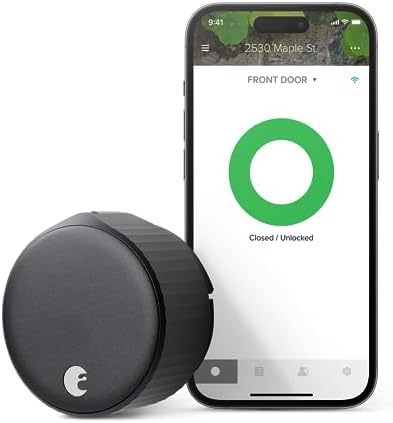
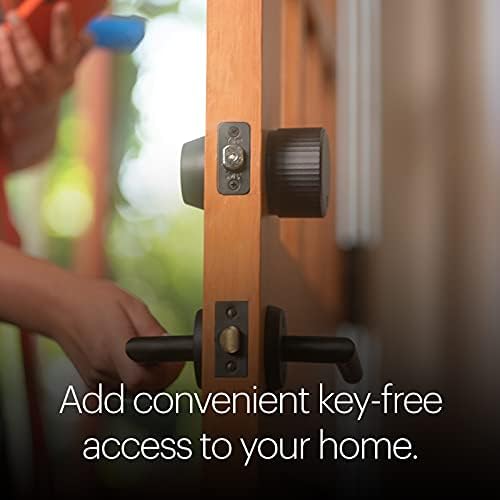
Smart locks: Need landlord permission. Interior-only smart lock adapters (like August or Wyze) are the most renter-friendly option if you get permission.
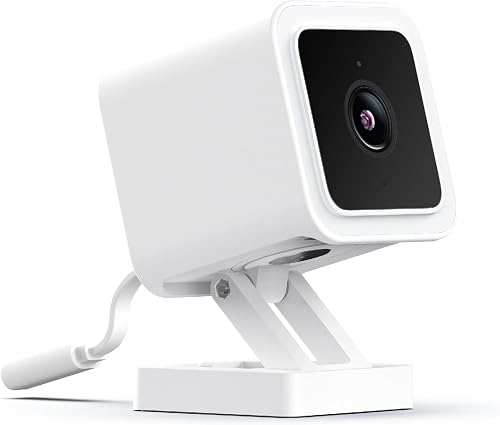
Outdoor security cameras: In an apartment building, outdoor cameras face shared spaces (corridors, parking areas) with privacy implications. Check HOA and building rules before installing anything that covers shared areas.
Zigbee or Z-Wave hubs: For a typical apartment, the complexity of a dedicated hub isn't justified. Wi-Fi and Matter devices cover all apartment use cases without the extra hardware.
Moving out: taking your smart home with you
One of the advantages of this setup is that it's completely portable. Smart bulbs screw out. Smart plugs unplug. Sensors peel off. The smart speaker goes in a bag.
Your ecosystem account moves with you — your automations, device names, and routines are all saved in the cloud. When you set up in a new apartment, reconnect your devices to the new Wi-Fi network, and your setup works immediately. The only thing that requires re-setup is any device that was specifically tied to a physical trigger (a contact sensor on a specific door, for example) — update those automations to match the new space.
Frequently asked questions
How many smart bulbs do I need for a one-bedroom apartment?
A practical starting point: two to three bulbs in the living room (main ceiling fixture and a floor lamp) and one to two in the bedroom. That's four to five bulbs total, which covers the spaces you spend the most time in. The kitchen and bathroom are lower priority — basic lighting in these rooms is less about ambiance and more about function.
Can I use smart home devices in a studio apartment?
Yes, and studios are particularly well-suited. A single smart speaker covers the entire space. Two to four smart bulbs and a couple of smart plugs cover every use case. The entry door sensor and a motion sensor handle security. A complete studio smart home setup costs $100–$200 and takes an afternoon to set up.
Do I need to tell my landlord about smart plugs and smart bulbs?
No. Smart plugs and smart bulbs require no installation and make no modifications to the apartment. They're no different from plugging in a lamp or changing a light bulb. You don't need permission for either.
What if my apartment has a shared entryway?
A shared entryway means a video doorbell at the unit door may not be practical — the doorbell would be inside the building rather than at the street entrance. In this case, a contact sensor on your unit door (to alert you when it opens) is more practical than a video doorbell. For the building entrance, check whether your building already has a camera or intercom system, and whether it can be integrated with your ecosystem.
Will a smart speaker work through walls in an apartment?
The Alexa or Google Home voice assistant responds to commands from the same room it's in. In a one-bedroom apartment, one smart speaker in the living room usually covers enough of the space for practical use. Two smart speakers (one in the bedroom, one in the main living area) give you voice control in every room. Smart speakers also broadcast music and audio throughout the apartment when linked.
Where to Buy







Affiliate links — we may earn a commission at no extra cost to you.