Smart Home for Families: Safety, Monitoring, and Convenience
Smart home devices that help families stay safe, monitor the home, and simplify daily routines. Practical setup guide with product recommendations.
What Makes a Home Family-Smart?
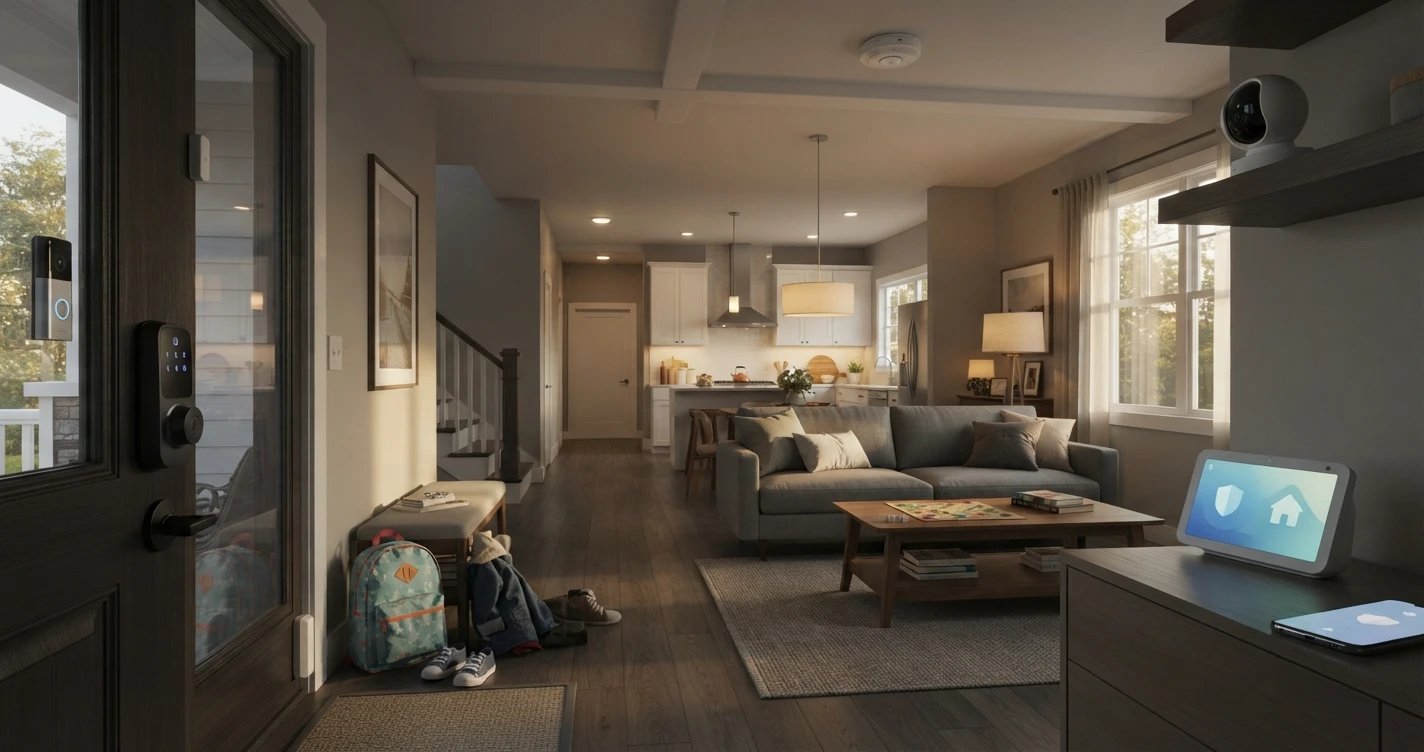
A smart home setup for families focuses on three things: security at the door (who comes and goes, and when), visibility inside the home (checking on kids remotely), and safety alerts (smoke, CO, unusual activity). The goal is a home that's more secure and easier to monitor without turning into a surveillance setup.
Recommended Devices
Smart Lock — Control Who Gets In
A smart lock lets you lock and unlock the door remotely, create unique codes for each family member (kids, babysitter, grandparents), and get notifications every time the door is unlocked. No more hiding a key under the mat.
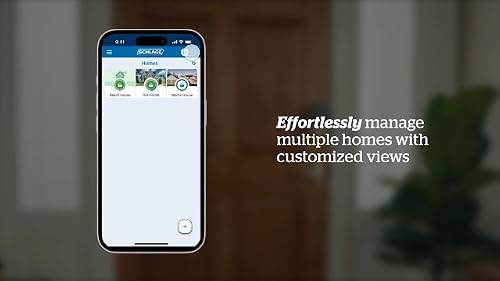
Best Overall: Schlage Encode Plus ~$230
- Works directly with Apple Home (Thread/Matter) without a hub
- Built-in Wi-Fi — no separate hub or bridge required for Alexa or Google Home either
- Up to 100 unique access codes
- Access log shows who unlocked and when
- Built-in alarm for door tampering
- Check on Amazon
Reliable Alternative: August Wi-Fi Smart Lock (4th Gen) ~$180–$200
- Installs on the existing deadbolt — keeps your current exterior hardware and keys
- Built-in Wi-Fi, works with Alexa, Google Home, and Apple Home
- Auto-lock and auto-unlock (phone proximity detection)
- Guest access with time-limited codes
- Check on Amazon
Note: Both locks install on standard US deadbolts. If you rent or have a non-standard door, verify door thickness compatibility before purchasing.
Video Doorbell — See Who's at the Door
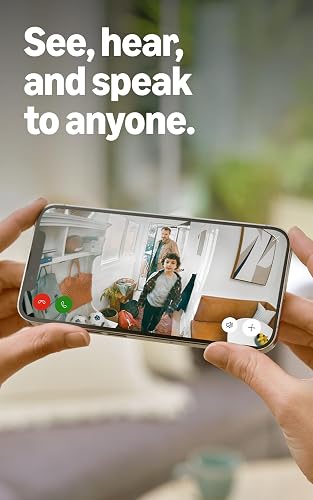
A video doorbell lets you see, hear, and speak to anyone at the front door from your phone — even when you're not home. Useful for receiving deliveries, monitoring who arrives while kids are home alone, and seeing who's at the door before opening it.
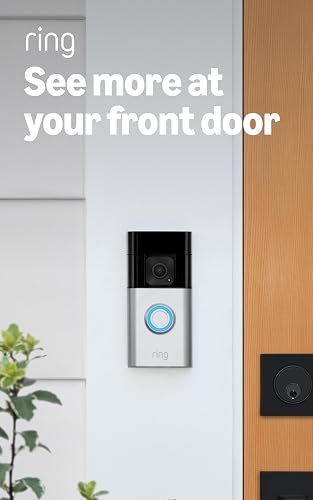
Best Overall: Ring Battery Doorbell 4K Pro
- Retinal 4K video with up to 10x enhanced zoom and radar-powered 3D motion detection
- Battery powered with a Quick Release Ultra Battery Pack, so no doorbell wiring is needed
- Color night vision and two-way talk
- Subscription required for cloud video history (Ring Protect, ~$4/month per device)
- Check on Amazon
Google Home Alternative: Google Nest Doorbell (Wired) ~$180
- Native Google Home integration
- Person, package, animal, and vehicle detection
- Requires Google Home app; subscription (Nest Aware) for extended history
- Check on Amazon
No existing doorbell wiring? Choose the battery-powered versions — Ring Video Doorbell (4th gen) ~$100 or Nest Doorbell (battery) ~$180. Battery versions require recharging every few weeks to months depending on traffic.
Indoor Camera — Keep an Eye on Things at Home
A pan/tilt camera can monitor a large area of a room and follow motion automatically — useful for watching the living room while kids are home, checking on a sleeping baby, or monitoring a playroom.
Best Budget Option: Wyze Cam Pan v3 ~$40
- 360° pan + tilt covers a full room
- Motion tracking follows movement automatically
- Two-way audio
- Works with Alexa and Google Home
- Color night vision
- Local storage via microSD (included in some bundles) or free cloud tier for 14-day rolling events
- Check on Amazon
Place in the living room or main common area for the best coverage.
Smoke and CO Detector — The Safety Essential
A smart smoke and carbon monoxide detector sends phone alerts if it detects smoke or CO — even when you're away. If one unit triggers, networked units alert throughout the house simultaneously.
Recommended: Google Nest Protect (Wired or Battery) ~$100–$120
- Detects both smoke and carbon monoxide
- Sends phone notifications when triggered
- Speaks a voice alert with the specific hazard and location ("There is smoke in the kitchen")
- Self-testing — monthly automatic sensor tests
- Interconnected: if one triggers, all Nest Protect units in the home sound together
- Works with Google Home; integrates with Nest Thermostat (can shut off HVAC when smoke is detected)
- Check on Amazon
Important: Verify local code requirements for smoke detector placement before replacing existing detectors. Some jurisdictions require specific types or interconnected hardwired systems.
Smart Speaker or Display — Family Hub
A smart display or speaker in a common area serves as the household control hub — voice commands, reminders, timers, and video calls without touching a phone. A display adds the ability to see camera feeds, check the front door, and use video calling.
Amazon Echo (4th Gen) ~$50–$80
- Alexa built in — controls all Alexa-compatible devices
- Good speaker quality for music and voice
- Drop In feature lets family members on Echo devices communicate room-to-room
- Check on Amazon
Google Nest Hub (2nd Gen) ~$100
- 7" display shows camera feeds, Google Calendar, and routines
- Google Home hub — controls all Google Home devices
- Sleep sensing feature (optional) via radar sensor
- Check on Amazon
Family Automations Worth Setting Up
- School arrival alert: When the front door unlocks between 2:30pm and 4pm on weekdays → send a notification ("Front door unlocked — kids are home").
- Bedtime lock: Smart lock auto-locks at 9pm every night.
- Smoke alert → lights on: If Nest Protect detects smoke at night → all lights turn on to full brightness to help with evacuation.
- Away mode: When everyone leaves the home → thermostat switches to energy-saving mode, locks auto-lock, indoor camera switches to alert mode.
- Doorbell to Echo: When doorbell is pressed → all Echo devices announce "Someone's at the front door."
- Morning routine: Weekday at 7am → kitchen lights on, Echo plays a short news briefing or weather update.
Setup Cost by Tier
| Tier | What's Included | ~Cost |
|---|---|---|
| Basic | Smart lock (August) + Video doorbell (Ring Pro 2) + Smart speaker (Echo) | ~$330–$430 |
| Standard | Basic + Wyze Cam Pan + Nest Protect (×2) | ~$500–$650 |
| Full | Standard + Schlage Encode Plus + Nest Hub + additional Nest Protect | ~$700–$900 |
Start with the smart lock and video doorbell — they provide the most immediate value for families. Add the indoor camera and smoke detector as a second step.
Frequently Asked Questions
Is it safe to give kids their own door codes?
Yes — individual codes let you track who unlocked the door and when, and you can delete a code instantly if needed (e.g., if a code is shared with someone it shouldn't be). Most smart locks support 50–100 unique codes. Avoid sharing the master code with children — create a separate code for each person.
Do video doorbells require a subscription?
Most record video to the cloud and require a subscription to access the recorded history. Ring Protect is ~$4/month per device. Nest Aware is ~$6/month per device or ~$12/month for a whole-home plan. Without a subscription, you typically still receive live view and real-time motion alerts, but no recorded clips to review after the fact. Check each product's free vs. paid features before purchasing.
Can I set up parental controls or screen time limits with smart home devices?
Smart home devices don't directly manage screen time on children's devices, but they can cut internet access to specific devices using a smart router or plug — for example, a smart plug on a game console that turns off at a scheduled time. Purpose-built parental control tools (router-level filtering, Google Family Link, Apple Screen Time) are more effective for this use case.
What ecosystems work best for families?
Amazon Alexa and Google Home both work well for family setups — both support multiple users, routines, and voice profiles. Apple Home is more private and works well if your household is iPhone-only. For mixed households (Android + iPhone), Alexa or Google Home provides broader device compatibility.
Related Guides
Where to Buy








Affiliate links — we may earn a commission at no extra cost to you.