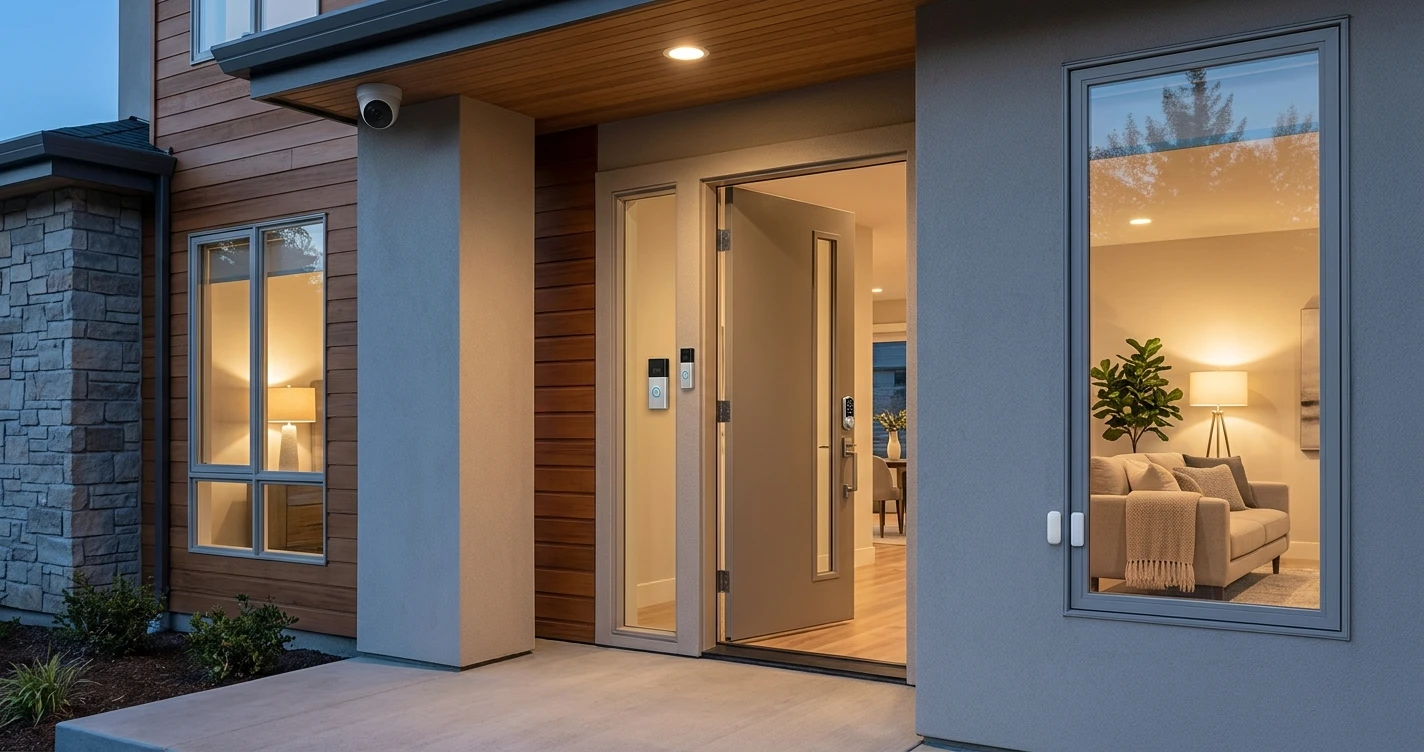
Best Smart Home Security Devices
Cameras, video doorbells, smart locks and sensors — everything you need to secure your home.
Build smart home security in layers: video doorbells, cameras, smart locks and sensors, plus a starter setup and what to check about subscriptions and compatibility.
A smart home security system doesn't have to be complicated or expensive. The right combination of a few key devices can make a real difference — whether you live in an apartment or a house.
What you actually need
Before buying anything, decide what you're trying to solve. Most homes benefit from three layers of coverage: entry points (doors and windows), outdoor visibility (who's approaching), and indoor awareness (motion and sensors inside). You don't need to cover everything at once.
Video Doorbells
A video doorbell is the single most impactful security upgrade for most homes. It covers your front door — the most common entry point — and doubles as a deterrent. Look for one with motion detection, two-way audio and local or cloud storage.
Best for most people: Ring Video Doorbell 4. Reliable motion detection, good video quality and works with Alexa. The wired version (Ring Video Doorbell Wired) is a better choice if you have existing doorbell wiring.
Best without subscription: Eufy Video Doorbell E340. Includes local storage via HomeBase — no monthly fee required.
Security Cameras
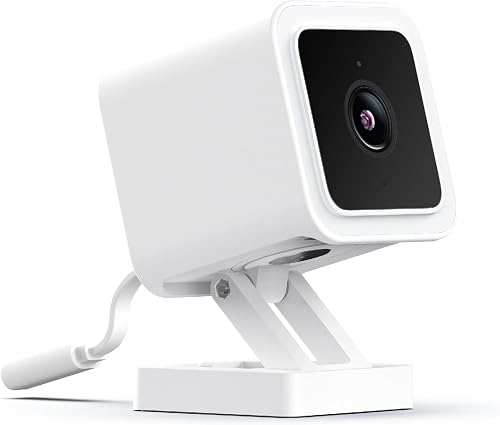
Indoor cameras are useful for monitoring activity when you're away. Outdoor cameras add an extra layer around your property. Prioritize cameras with good night vision and reliable motion alerts over those with the most megapixels.
Best indoor camera: Eufy Indoor Cam 2K. Clear 2K image, local storage option, no subscription required for basic use.
Best outdoor camera: Arlo Pro 4. Wire-free, weather-resistant, excellent image quality and works with Alexa, Google Home and Apple Home.
Smart Locks
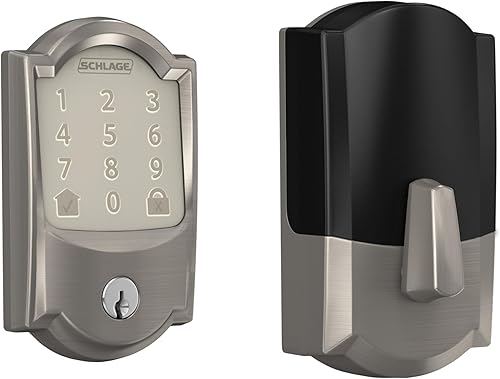
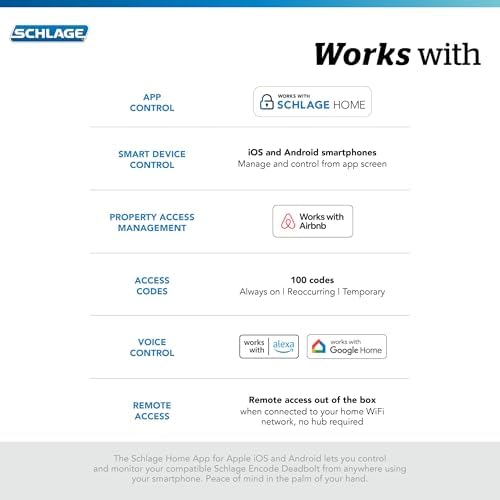
A smart lock lets you control access to your home remotely, create temporary codes for guests and check whether the door is locked from anywhere. Most don't require a subscription.
Important: check compatibility with your door and deadbolt type before buying. Most smart locks replace only the interior part of the deadbolt — they work with your existing exterior hardware.
Contact Sensors and Motion Sensors
Contact sensors on doors and windows alert you the moment something is opened. Motion sensors cover areas cameras might miss. Both are inexpensive and easy to install — no drilling required in most cases.
Recommended starting setup
- 1 video doorbell (front door)
- 1 indoor camera (main living area or entry)
- Contact sensors on ground-floor doors and windows
- Smart lock on the front door
This covers the most common scenarios without overcomplicating things.
Things to consider before buying
- Subscription costs: Many cameras require a monthly plan to access cloud recordings. Factor this into your budget.
- Ecosystem compatibility: Choose devices that work with your existing smart home system (Alexa, Google Home or Apple Home).
- Renter-friendly: If you can't drill or modify the property, look for battery-powered and adhesive-mount options.
FAQ
What is the first smart home security device to buy?
Start at the main entrance: a video doorbell or a smart lock gives the most coverage for the money. Add a contact sensor and an indoor camera later.
Do smart security devices need a subscription?
The devices work without one, but many brands charge for cloud video history and advanced detection. Cameras with local storage (microSD or a home base) avoid monthly fees. Plans change, so check the manufacturer's page before buying. See cameras without a subscription.
Will these devices work with Alexa, Google Home or Apple Home?
Not all of them do. Look each one up in our compatibility checker; we only mark a device as compatible when the manufacturer or ecosystem documents it.
Can renters use smart security devices?
Yes. Battery video doorbells, contact sensors and indoor cameras need no wiring. See video doorbells for renters and smart locks for renters.
Keep reading
Where to Buy




Affiliate links — we may earn a commission at no extra cost to you.
Related Articles
More in this topic
- Best Smart Home Hubs for Beginners
- Best Smart Home Sensors: Door, Window and Motion
- Best Smart Devices for Saving Energy
- Best Smart Devices for Home Comfort
- Best Smart Devices for Home Automation
- Best Smart Lighting Devices
- Best Smart Cleaning Devices
- Best Smart Entertainment Devices
- Best Smart Home Monitoring Devices